

Most small business owners who ask about AI are really asking a simpler question: where do I start without wasting money or breaking things?
That's the right question. "Automate your business with AI" is advice so broad it's useless. What's actually useful is a short, prioritized list of the specific tasks where AI saves real time, carries low risk if something goes sideways, and doesn't require you to hire a developer or overhaul your systems.
Below is that list. Five starting points, in rough order of how universally they apply. For each one: what the automation actually does, what it typically saves, what it costs, and what to watch out for.
You don't do all five at once. You pick one or two that match your current pain, run them for 60 days, and then decide what's next.
1. Email Triage and Drafting
The problem it solves: Your inbox is a time tax. Sorting, prioritizing, and writing responses to routine emails — vendor questions, client status checks, appointment requests, the same FAQ answered seventeen different ways — eats hours that compound across a week.
What AI actually does here: Tools like Gmail with Gemini, Microsoft Copilot in Outlook, or a standalone tool like Superhuman use AI to summarize long threads, suggest responses, and in some cases draft a full reply you review and send. You're not removing yourself from the loop — you're cutting the blank-page time and the cognitive load of switching between twenty threads.
What it saves: Owners and office managers who track this consistently report saving 45 minutes to 2 hours per day. If email is genuinely a bottleneck for you or your team, that's not a rounding error.
What it costs: Most AI email features are baked into tools you're probably already paying for (Microsoft 365 Copilot adds roughly $30/user/month; Google Workspace's AI features are included in Business Standard and above). Standalone tools like Superhuman run $25–$30/month per seat.
What to watch: AI drafts need a human eye before they go out. Tone errors and confidently wrong details do happen. Build in a review step — the goal is faster drafting, not unsupervised sending.
2. First-Pass Customer Support
The problem it solves: A significant chunk of your customer support volume is probably the same 10–15 questions asked repeatedly. Hours get spent answering "what are your hours," "where's my order," "how do I reset my password," and "do you offer X" — questions that don't require a human, just an accurate, fast answer.
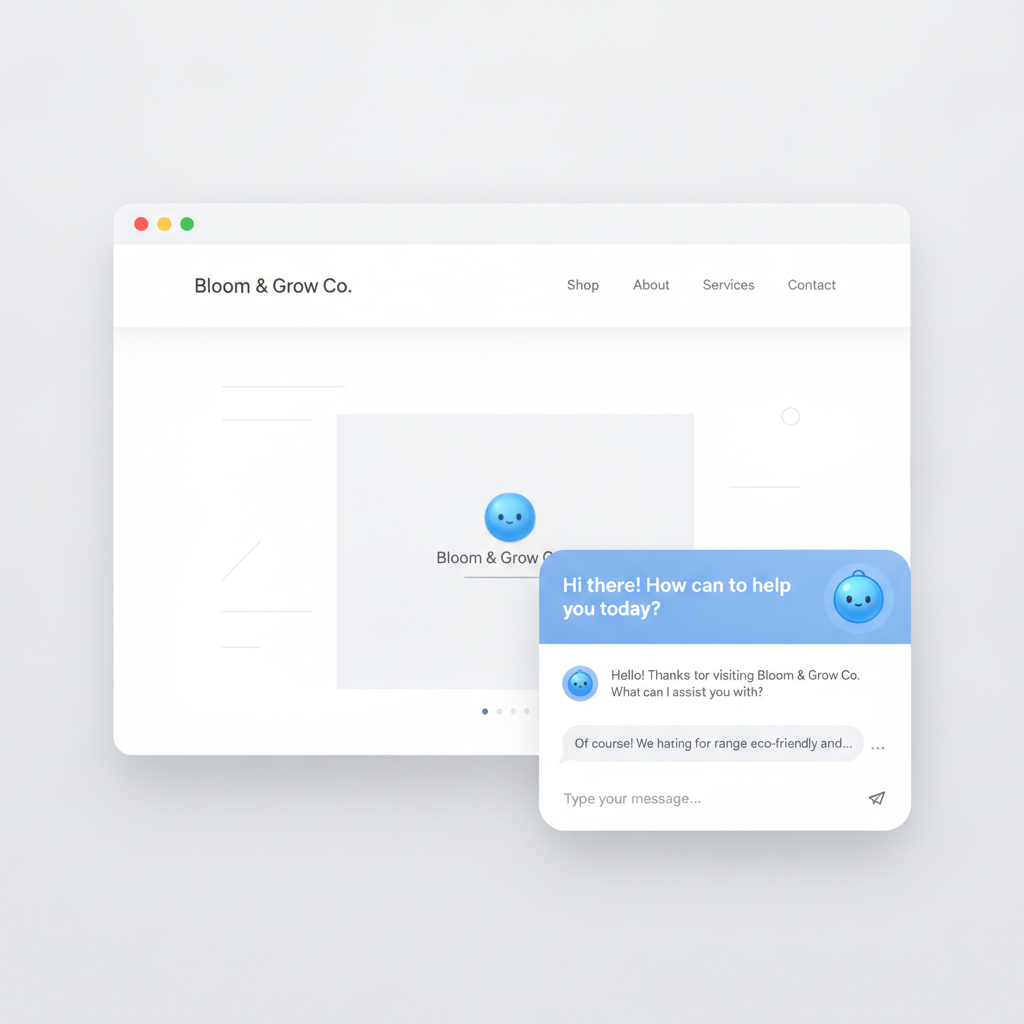
What AI actually does here: An AI chatbot trained on your FAQ, policies, and product information can handle this tier of questions 24/7. The key phrase is first-pass — it handles what it can, and routes anything complex or emotional to a human. Done right, it's not a wall between customers and your team; it's a filter that protects your team's time for conversations that actually need them.
What it saves: Small e-commerce businesses and service firms that implement this typically deflect 30–50% of incoming support volume. If your team fields 200 support contacts a month and half of those are repetitive FAQ questions, that's 100 contacts your team stops handling.
What it costs: Entry-level tools like Tidio, Intercom's Fin, or Freshdesk's AI features range from free (limited) to $50–$300/month depending on volume and features. For most SMBs, the right starting point is a simple chatbot on your website connected to a well-written FAQ document — not a complex integration project.
What to watch: The chatbot is only as good as what you feed it. Vague or outdated information in your FAQ produces vague or outdated answers. Before you launch, audit the source material. And always give customers a clear path to reach a human — an AI support wall that traps people is a customer experience disaster.
3. Meeting Summaries and Action Items
The problem it solves: Meetings end, everyone disperses, and three days later nobody agrees on what was decided or who was supposed to do what. Someone — usually the most organized person in the room — spends 20–30 minutes writing up notes that half the team won't read.
What AI actually does here: Tools like Otter.ai, Fireflies.ai, or the built-in transcription and summary features in Zoom, Microsoft Teams, and Google Meet will record, transcribe, and summarize your meetings automatically. The output is a written summary with key decisions highlighted and action items pulled out by name. You get this in your inbox before you've finished your next cup of coffee.
What it saves: The obvious saving is the 20–30 minutes of manual note-taking per meeting. The less obvious saving is the time lost to "wait, what did we decide?" follow-up emails and the mistakes that happen when action items fall through the cracks.
What it costs: Otter.ai and Fireflies.ai both have free tiers that cover several hours of transcription per month. Paid plans run $10–$20/month per user. If you're already on Teams or Zoom, check whether your existing plan includes AI summaries — many do now.
What to watch: Participants need to know they're being recorded — this is both a legal requirement in many places and just good practice. AI summaries are good but not perfect; a quick human skim before you share them with the broader team takes 90 seconds and catches the occasional weird transcription artifact.
4. Drafting Repetitive Documents
The problem it solves: Every business has documents it creates over and over with small variations: proposals, SOW templates, follow-up emails after a sales call, onboarding packets, job postings, lease renewals, client reports. Each one gets written mostly from scratch, which means each one takes far longer than it should.
What AI actually does here: You give an AI tool (ChatGPT, Claude, Microsoft Copilot, or a purpose-built tool for your industry) your context — the client name, the scope, the key terms — and it produces a solid first draft. Not a finished document. A starting point that's 70–80% of the way there, which you refine and send. The blank page problem, which is most of the friction, disappears.
What it saves: A proposal that previously took 2 hours to write from scratch might take 30–40 minutes when you're editing a strong draft instead of building one. Multiply that by how many proposals, reports, or onboarding packets you produce per month.
What it costs: ChatGPT Plus is $20/month. Claude Pro is $20/month. If your team is already on Microsoft 365, Copilot is the obvious choice to pilot. For legal, real estate, or healthcare businesses, there are also vertical-specific tools worth evaluating — though for most SMBs, the general-purpose tools are plenty capable.
What to watch: AI drafts confidently and sometimes incorrectly. Numbers, terms, names, and any legally significant language need a human review before anything goes out the door. Treat AI as a very fast junior writer, not a compliance department.
5. Scheduling and Appointment Coordination
The problem it solves: The back-and-forth of scheduling — "does Tuesday work?" / "Tuesday's out, what about Thursday?" / "Thursday morning or afternoon?" — is one of the most time-wasting loops in business. It's not complex; it's just tedious.
What AI actually does here: This one is arguably the most mature of the five. Tools like Calendly, cal.com, and Acuity Scheduling have existed for years and now include AI features that handle routing, reschedules, reminders, and follow-ups. At the higher end, tools like Reclaim.ai and Motion use AI to actively manage your calendar — protecting focus time, automatically rescheduling lower-priority meetings when something urgent comes in, and optimizing your week across your whole team.
What it saves: Eliminating the scheduling back-and-forth saves 30–60 minutes per week for most operators — and the value compounds if you have a team coordinating across multiple calendars. The secondary value is fewer no-shows (automated reminders are dramatically effective) and a more professional client experience.
What it costs: Calendly's free tier works for basic use. Paid plans run $10–$20/month per seat. Reclaim.ai and Motion run $8–$20/month per user. For most businesses, a basic scheduling link is the right starting point — you can add sophistication later.
What to watch: Give clients clear instructions and a fallback — some people will still call. And make sure your scheduling tool connects to your actual calendar, not a secondary one you forget to update.
The Rule: One, Then Two, Then Three
The temptation when reading a list like this is to want to do all of it. Resist that. The businesses that get real value from AI automation start with one thing, run it for 60 days, and evaluate. Does it actually save time? Is the quality acceptable? Did anything break?
If yes, add a second. Build from there.
The businesses that waste money on AI are the ones that implement five things at once, never figure out which ones are working, and give up after three months because it "didn't really help."
Pick the one item on this list where the pain is highest for your business right now. That's your starting point.
This kind of prioritization — figuring out where AI will actually move the needle for your business, not a generic checklist — is exactly what we work through with clients in an initial strategy session. If you'd like a clear-eyed look at where to start and what to skip, book a strategy call and we'll make it worth your time.