

The Report That Eats Your Month
Every business that serves other businesses has some version of this task: a recurring report that has to go out to every client, every month (or quarter, or week). Performance summaries. Financial snapshots. Occupancy updates. SEO dashboards. Project status recaps.
The data is always roughly the same. The structure is always roughly the same. And yet somehow it takes forever.
Not because the work is hard — it isn't. It's because assembling it is tedious. You pull a number from one place, a note from another, you try to remember what you told this client last month, you write a brief paragraph that sounds professional without sounding like a form letter, and you do it again for the next client, and the next. For agencies, bookkeeping practices, property managers, and consultants, this chore can swallow a meaningful chunk of the month.
AI can't replace your judgment or your relationship with the client. But it can take the assembly work off your plate — and do a surprisingly good job of turning raw inputs into a readable first draft.
Here's how to actually do it.
What AI Is Good at Here (and What It Isn't)
Before walking through the mechanics, it helps to be honest about where AI earns its keep in this workflow and where you still need a human.
AI is good at:
- Turning a list of numbers and bullet-point notes into coherent, readable prose
- Maintaining a consistent structure across every report so nothing gets skipped
- Matching a tone you've defined — professional, warm, direct, whatever fits your practice
- Producing a solid first draft in seconds rather than minutes or hours
AI is not good at:
- Pulling data from your systems automatically (you still need to supply it)
- Knowing what a number means for this specific client without context
- Catching its own errors — if you feed it a wrong figure, it will write confidently about the wrong figure
- Replacing the judgment call about what to flag, what to downplay, and what to leave out
The practical upshot: AI is your drafter, not your analyst. You still do the thinking. It does the writing.
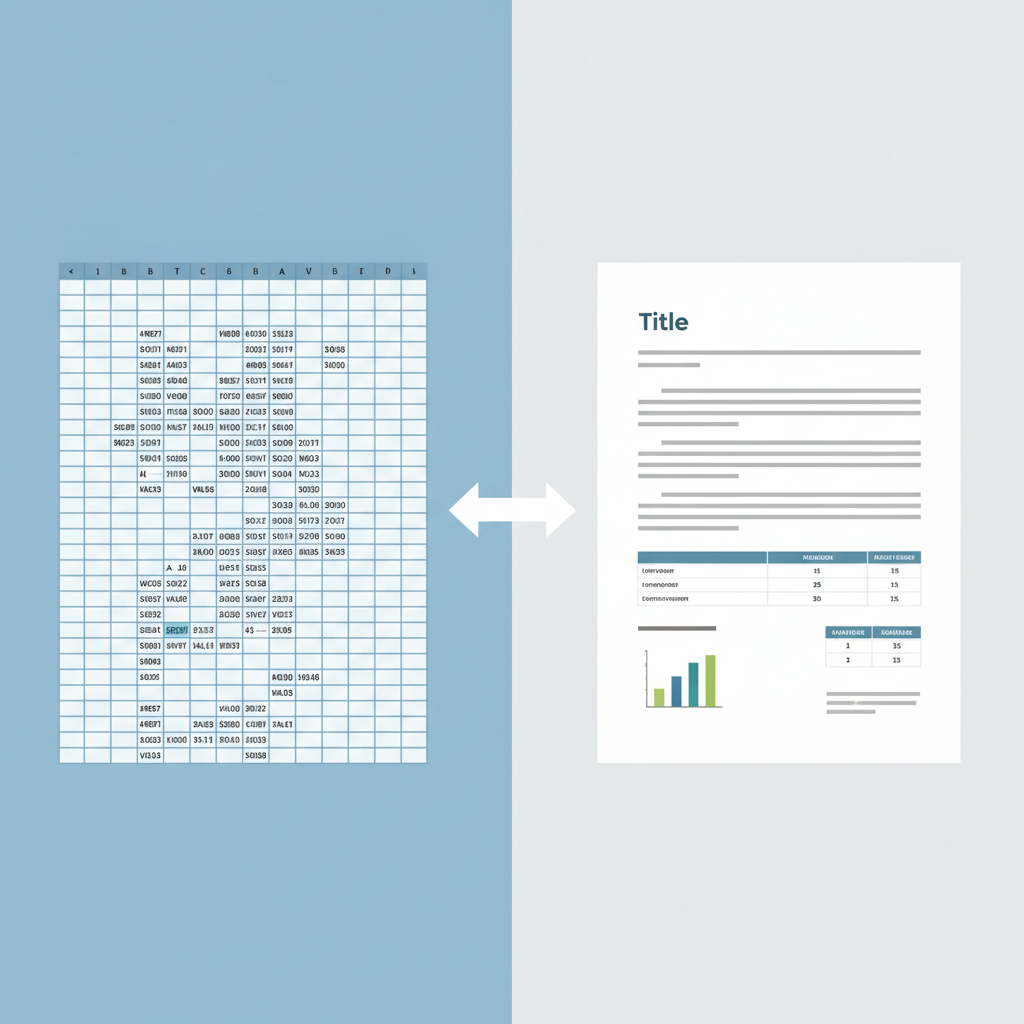
Step 1: Gather Your Raw Inputs Before You Touch the AI
The quality of what comes out is entirely determined by the quality of what goes in. This is the step most people skip, and it's why their AI drafts disappoint them.
For each client report, collect the following before opening a chat window:
- The hard numbers: whatever metrics or figures belong in this report. Revenue, expenses, occupancy rate, ad spend, website traffic — whatever is relevant to your service.
- A few brief notes on context: What happened this month that a number doesn't capture? A campaign launched, a tenant moved out, a client paused a service, a problem got resolved. Two or three sentences is enough.
- Any standing instructions about this client: Are they sensitive about certain topics? Do they prefer plain language over jargon? Is there something you always mention?
- Last month's summary (optional but useful): Giving the AI the previous report lets it frame changes as comparisons rather than isolated figures.
If you have a template — even a rough one — paste it in too. Structure it once, reuse it forever.
Step 2: Write a Prompt That Does the Thinking for You
Most people write prompts that are too vague. "Write a client report using these numbers" will produce something generic. You want a prompt that tells the AI who it is, who it's writing for, what tone to use, and exactly what to produce.
Here's a prompt structure that works well for this task:
You are a [bookkeeper / marketing consultant / property manager] writing a monthly client report for [client name or "a small retail client"]. Your tone is [professional but warm / direct and concise / friendly but data-focused]. The report should include: a brief opening summary, a section covering [topic 1], a section covering [topic 2], and a short closing note that sets expectations for next month. Do not add sections I haven't listed. Use plain language — no jargon.
Here are the figures and notes for this month: [paste your raw inputs here]
Here is our standard report template: [paste template if you have one]
The more specific you are about structure, tone, and what not to include, the less editing you'll do afterward. Spending two minutes writing a good prompt saves ten minutes of revision.
Step 3: Review Before It Goes Anywhere
This is non-negotiable. AI drafts are starting points, not finished products.
Run through every report against this checklist before it leaves your hands:
Numbers check: Does every figure in the draft match the source data you provided? AI will occasionally transpose a number, round differently, or — if your inputs were ambiguous — pick the wrong one. Read them all.
Interpretation check: Where the AI has added context or interpretation ("this represents a 12% improvement"), confirm that interpretation is accurate and appropriately framed for this client. A 12% improvement in one client's context is great news; in another's, it's behind target.
Tone check: Does this sound like you? Does it sound right for this relationship? AI will default to whatever tone you specified, but that might need adjustment for individual clients — particularly long-standing ones where a more personal note is expected.
Sensitive-topic check: Is there anything in this draft that could land badly? A cost overrun framed as a learning opportunity. A vacancy rate that needs a more careful explanation. AI doesn't know your client relationships; you do.
Completeness check: Did the draft include everything it was supposed to, and skip what it shouldn't have included?
This review takes five to ten minutes per report. That's still a fraction of the time it would take to write from scratch — and it's where your professional judgment protects both the relationship and you.
For more on how to structure that judgment layer, the article on why AI gets math wrong in small business contexts is worth reading before you rely on AI to handle any figures.
Keeping Tone Consistent Across Clients
One of the harder problems with recurring reports is maintaining a consistent voice without making every report sound like a form letter. AI can actually help here, if you approach it deliberately.
The key is a client-level style note — a short paragraph you keep on file for each client and paste into the prompt every time. Something like:
This client is detail-oriented and appreciates specific numbers over general summaries. Keep the tone professional and relatively formal. They have been with us for three years and value directness over reassurance.
Or:
This client is a first-year business owner who can feel anxious about financial figures. Use plain language, explain any variances briefly, and close on an encouraging note without being dismissive of problems.
Keep these notes in a simple document or your CRM. Paste them into every prompt for that client. The reports will feel tailored without requiring you to rewrite the prompt from scratch each time.
This is the difference between AI that saves you time and AI that saves you time while damaging client relationships — and it's entirely within your control.
Building a Repeatable System
Once you've run this process a few times, turn it into a system so you're not rebuilding it monthly.
A simple setup:
- A master prompt template with placeholders for client name, tone note, and current month's figures. Store it somewhere you can grab it in seconds.
- A client note file with the style note for each client. One document, one row per client, takes ten minutes to build.
- A report checklist (the five checks above) that travels with every draft until it's been signed off.
- A folder structure that keeps last month's final report accessible so you can paste it in as context.
None of this requires special software. A shared Google Doc and a folder in Drive is enough. The value isn't in the tools — it's in having a consistent process that someone on your team can follow without you overseeing every step.
Which raises a relevant point: if you're thinking about having a team member run this process, the practical guide to getting good answers out of AI is a useful resource to pass along — prompting well is a learnable skill, and the gap between a useful draft and a mediocre one usually comes down to the prompt.
What About Data Privacy?
If your client reports contain financial data, personally identifiable information, or anything covered by a confidentiality agreement, you need to think about what you're pasting into a consumer AI tool.
Some AI tools may use what you enter to train their models, depending on the plan you are on and the settings you have chosen — and the defaults differ between products and between consumer and business tiers. For example, Anthropic publishes how personal data is used in model training; check the equivalent page for whichever tool you actually use. That's fine for a lot of tasks — it's a problem when the inputs contain a client's private financial data.
Options, roughly in order of effort:
- Anonymize before pasting: replace the client's name with "Client A," swap real figures for representative ones if the format is what matters, or strip identifiers. This works for drafting and then you substitute the real data afterward.
- Use an AI tool with a business data agreement in place: several platforms offer data handling terms designed for professional use — check your vendor's documentation.
- Keep sensitive specifics out of the prompt entirely: paste the structure and tone guidance, draft the narrative shell, then fill in the real numbers manually.
The article on what happens to data you paste into AI goes into more depth on this — it's worth twenty minutes of your time before you commit to a workflow that handles client data.
The Time Math
To give this some grounding: a consultant who writes ten client reports a month, spending an average of forty-five minutes per report, is putting seven-plus hours into a task that produces no billable value. That's nearly a full day.
If an AI-assisted draft cuts each report to fifteen minutes of data gathering and ten minutes of review, the same ten reports take around four hours. The saving is roughly three to four hours a month — not transformative, but consistent and real, and it recurs every month without additional effort once the system is set up.
For a bookkeeper with thirty clients, the math gets more compelling. For an agency with a mix of weekly and monthly reporting cadences, more compelling still.
The point isn't to obsess over the exact numbers. It's that this is the kind of task AI was built for: structured, repetitive, text-based, and judgment-light once the inputs are right.
Getting Started Without Overcomplicating It
Start with one report. Pick the client whose report is most predictable — consistent structure, straightforward data, no landmines. Run the process above. See what the draft looks like, how much you edit it, and whether the final version is one you'd have sent anyway.
If it is, you have your template. Extend it to the next client, then the next.
Don't build the full system before you know it works for your specific reports. Test it on one, then systematize what works.
If this is the kind of practical, implementation-focused thinking you want applied to your business — not just for reporting, but across the workflows that eat your time — book a strategy call and let's look at where AI can make the most difference for you specifically.