
When a vendor tells you their software uses AI, they're almost certainly telling you the truth. What they're not telling you is which kind — and the difference matters a lot, because the two main families of AI do fundamentally different things. Confuse them, and you'll spend money on a tool that can't solve the problem you actually have.
This article explains, in plain English, what generative AI and predictive AI each do, where you're already encountering both, and how to figure out which one a vendor is really selling you.
Two Families, One Overused Word
The word "AI" has become a catch-all that covers everything from a chatbot that writes emails to a model that forecasts whether a customer is about to churn. These are not the same technology, they don't work the same way, and they're not good at the same things.
Here's the simplest way to split them:
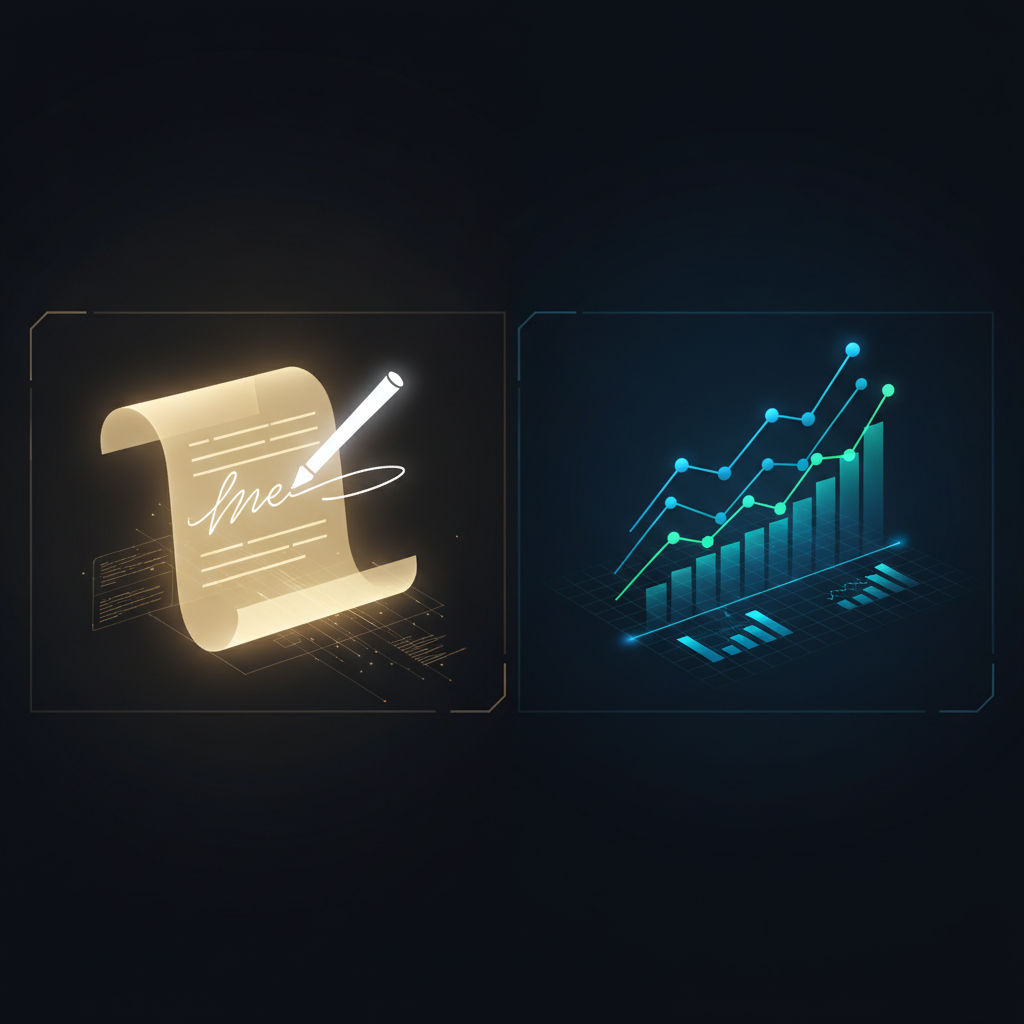
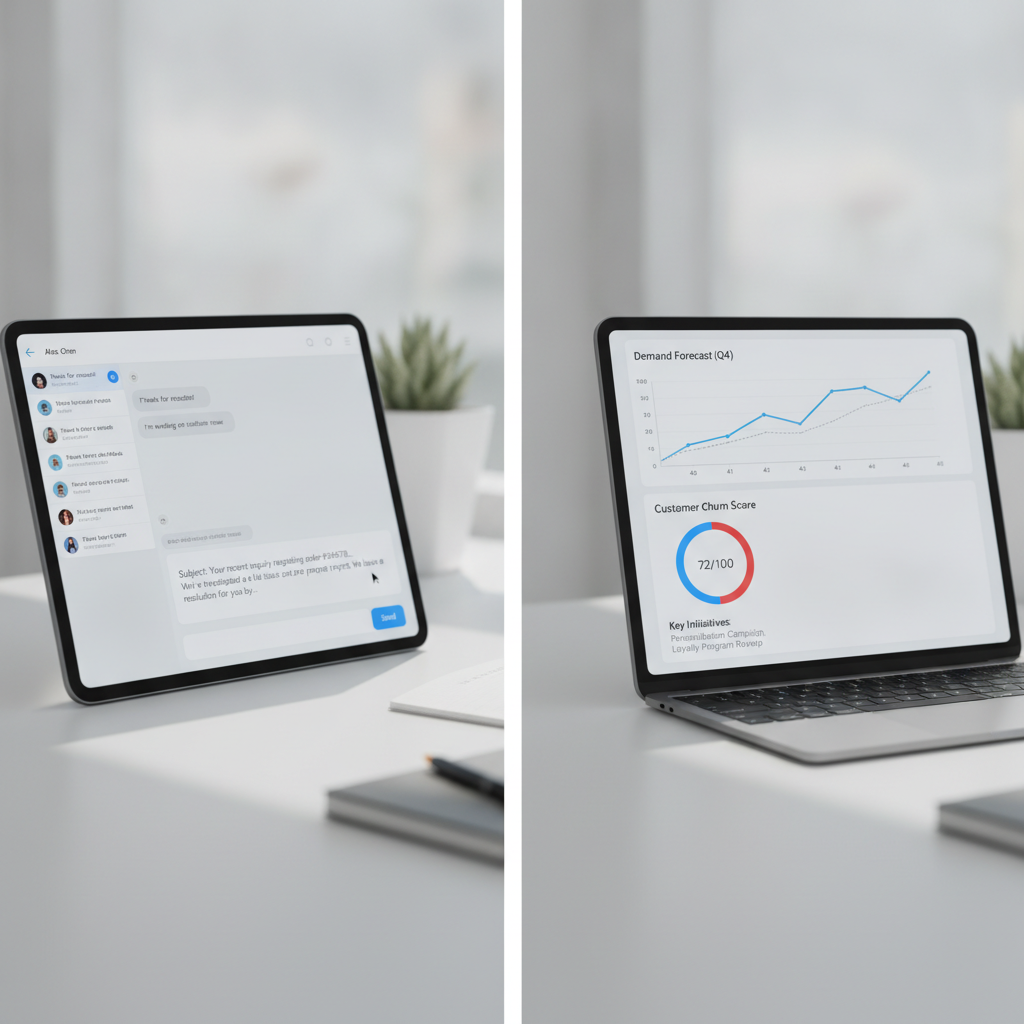
Generative AI produces new content — text, images, audio, code — by learning patterns from enormous amounts of existing content. You give it a prompt or a question; it produces something that didn't exist before. ChatGPT, Claude, and Gemini are the household names here. So is the "write a product description" button that's started appearing in e-commerce platforms, the AI that drafts your meeting summary, and the tool that suggests a reply to a customer email.
Predictive AI analyzes existing data to make a forecast or assign a score. It doesn't create anything. It looks at patterns in your historical data — past sales, past customer behavior, past outcomes — and says: here's what's probably going to happen next, or here's how likely this particular thing is. Demand forecasting in your inventory system, the credit-risk score a lender uses, the churn-probability flag in your CRM — these are predictive AI at work.
Both are genuinely useful. They just solve different problems.
Where You're Already Seeing Each One
Generative AI in everyday business tools
If you've used any of these, you've used generative AI:
- The "summarize this thread" or "draft a reply" button in Gmail or Outlook
- The AI writing assistant in your CMS or marketing platform
- ChatGPT, Claude, or Gemini for drafting proposals, job postings, or policy documents
- The AI that turns your uploaded notes into a meeting summary
- Image generators that produce a product photo background or a social media graphic
Generative AI is already embedded in tools most small businesses pay for. You're often using it without thinking of it as "AI" at all.
Predictive AI in everyday business tools
Predictive AI is older, quieter, and often invisible:
- The "suggested reorder quantity" in your inventory or POS system
- Lead scoring in your CRM ("this prospect is 73% likely to convert")
- Spam filtering in your email (a classic, early example — it classifies inbound messages as spam or not)
- Fraud detection when a customer's card is declined for a purchase that looks unusual
- Demand forecasting built into accounting or e-commerce platforms
Predictive AI tends to surface as a number, a flag, or a recommendation tucked inside a larger dashboard. You might not even notice it's there.
What Each Is Actually Good At
Generative AI: strong on language and creative tasks
Generative AI is remarkably capable when the job is producing or transforming language (or images, or code). It can draft, rewrite, summarize, translate, and respond. It can help an owner who isn't a natural writer produce professional communications. It can take a 40-minute transcript and pull out the five decisions that were made.
What it is not is a forecasting engine. It does not have access to your business's historical data unless you explicitly provide it. Even if you paste in some numbers, it is doing linguistic pattern-matching, not statistical modeling. This is why asking a generative AI tool to predict your Q3 revenue or your busiest service week is a mistake — it will produce a confident-sounding answer that isn't grounded in a real forecast. This is related to a broader issue worth understanding: why AI gets math wrong in ways that look plausible until you check.
Predictive AI: strong on patterns in your data
Predictive AI needs data to work. The more historical data it has — transactions, customer behavior, demand patterns — the better its forecasts tend to be. A well-trained demand-forecasting model in your inventory system genuinely can reduce overstock and stockouts, because it's been trained on real purchasing patterns.
What it is not is flexible. A predictive model built to forecast inventory levels can't pivot to writing a supplier email. It does one job, based on one kind of data, and it does that job quietly in the background. You typically can't prompt it or redirect it.
Where Mixing Them Up Gets Expensive
The most common disappointment Blueprint AI Strategy hears from business owners: "We got this AI tool and it was supposed to help with [forecasting / demand planning / predicting customer behavior], but it just… talks to us. It's not actually giving us numbers we can trust."
That's almost always a generative-vs-predictive mixup. Someone evaluated a generative AI tool, saw it could answer questions, assumed "it's AI so it can analyze our data," and bought it expecting forecasts. Generative AI can discuss data. It can help you think through a problem. It can spot patterns in data you paste into it — roughly and approximately. But it is not a predictive model, and treating it as one produces unreliable outputs.
The reverse mistake also happens: a business buys a predictive AI feature (say, a churn-scoring tool in their CRM) and then gets frustrated that it doesn't explain anything. "Why is this customer flagged?" Predictive models often can't tell you — they produce a score, not a rationale. Generative AI, by contrast, can explain, summarize, and reason through situations in plain language.
Understanding this split also helps you evaluate vendor claims more clearly. The article on spotting an AI vendor overselling you gets into the red flags in detail, but the type-of-AI question is one of the most useful filters to apply first.
A Simple Test for Telling Which One You're Buying
When a vendor demo or a sales page says "AI-powered," ask these four questions:
1. Does it generate text, images, or code — or does it produce a score, a forecast, or a classification?
Creating content = generative. Producing a number or a probability = predictive.
2. Where does the output come from?
Generative AI draws on broad training data and what you give it in the conversation. Predictive AI draws on your historical business data, usually connected via an integration. If a vendor can't explain what data their model was trained on or is connected to, be skeptical.
3. Can you prompt it?
Generative AI responds to natural-language instructions. You can redirect it, refine it, give it new context. Predictive AI typically runs on a schedule or triggers automatically — you don't "prompt" a churn model.
4. What does failure look like?
Generative AI fails by producing wrong or hallucinated content that sounds right. Predictive AI fails by producing forecasts that turn out to be inaccurate — often silently, over time. Both fail; they just fail differently.
You don't need to be a data scientist to use these questions. A vendor that can answer them clearly is almost always selling something real. A vendor that answers them vaguely ("our AI analyzes everything to help you make better decisions") is probably overstating what the product does.
A Third Thing Worth Knowing: Hybrid Tools
Many modern platforms layer both types together. Your e-commerce platform might use predictive AI to forecast which products to restock, and generative AI to write the supplier reorder email. Your CRM might use predictive AI to score leads and generative AI to draft the follow-up message.
This layering is often genuinely useful — and it's also where the marketing language gets most confusing, because the vendor describes the whole package as "AI" without distinguishing which part does what. When you're evaluating a platform like this, try to identify which specific features are generative and which are predictive. You may discover you only need one of them, which affects how much the tool is actually worth to you. Cutting down on redundant AI subscriptions is easier once you can name what each tool is actually doing.
The Practical Takeaway
Here's how to translate this into your next vendor conversation or purchase decision:
- If your problem is producing or improving content — emails, proposals, summaries, job ads, social posts — you want a generative AI tool. Expect to review its output; it will sometimes be wrong or off-brand.
- If your problem is forecasting or pattern detection — predicting demand, identifying at-risk customers, flagging anomalies — you want a predictive AI tool. Expect to need historical data; it won't work without it.
- If a vendor claims their tool does both, ask them to show you each capability separately in a demo using data similar to yours.
Neither type of AI is "better." They solve different categories of problem. The only bad outcome is buying one when you needed the other.
If you're trying to match the right kind of AI to a specific problem in your business — and you want someone to help you cut through the vendor claims — let's talk. A single strategy call is usually enough to point you in the right direction.