

The Work Finishes at Four. The Paperwork Happens at Nine.
You know how this goes. The job's done, tools are loaded, you're on the road. There's a stack of photos on your phone, a scratchy job sheet in the cab, maybe a voice memo you recorded at the site. The actual documentation — the structured report, the customer summary, the internal record — happens that night, or Sunday, or honestly never.
And most of the time, it doesn't matter. Until it does.
A warranty claim comes in eighteen months later and your record is three words and a blurry photo. A customer disputes an invoice and you're working from memory. An insurer wants to know what condition something was in before the work started. Suddenly the thin paperwork, or the missing paperwork, is a real business problem.
This is the job AI is genuinely good at. Not scheduling, not pricing, not the complex stuff — the specific, unglamorous task of taking the raw material you already produced in the field (photos, voice, handwriting) and turning it into a finished document you'd actually stand behind.
Here's what works, what still goes wrong, and how to set it up so the output is actually useful.
What You're Starting With
Field documentation is almost always one of three things, or a mix of all three:
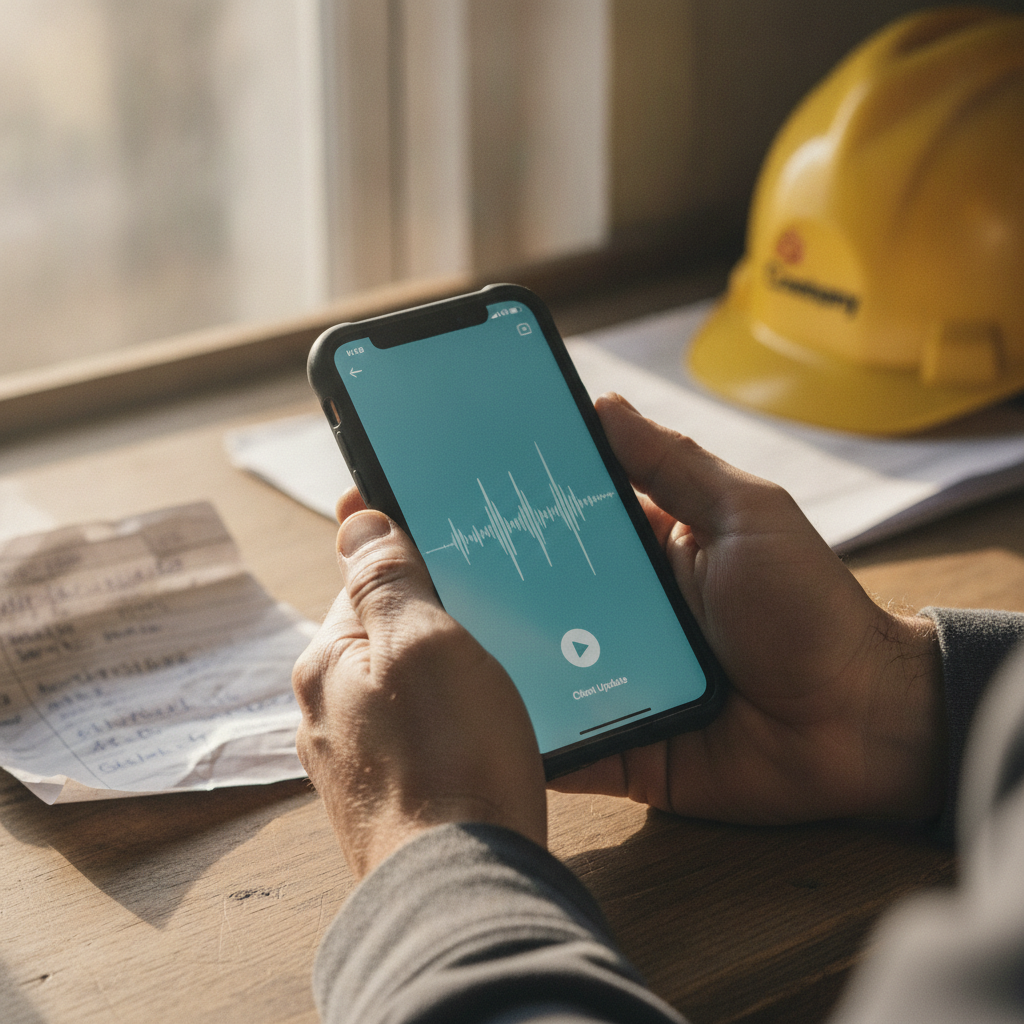
Voice notes. Recorded on the drive home or at the van before you leave the site. Unstructured, conversational, sometimes interrupted by traffic or a phone call. "Right, so the pump was seized when we got there, turns out the bearing had gone, we replaced it with the — hang on — yeah, replaced it with the Grundfos CME 3-2, took about two hours, left it running, no leaks, customer was happy."
Site photos. Shot on a phone, often without labels or sequence. Before-and-after pairs that aren't labeled as such. Close-ups that are useless without context. Sometimes thirty photos from a job where eight would do.
Handwritten job sheets. The carbonless copy you signed and the customer signed, now photographed or scanned. Part-numbers, measurements, tick boxes, and handwriting that ranges from fine to illegible.
AI can work with all three. The question is what you're asking it to produce.
What Actually Works
Voice Notes → Structured Job Report
This is probably the highest-value application in this category, because the voice note is the format people actually produce without being asked. Most people will talk through a job in the van. Almost nobody will type it up at the same level of detail.
The workflow: record your voice note as normal, then drop the audio file (or a transcript from a tool like Whisper, Otter, or your phone's own transcription) into ChatGPT, Claude, or a similar tool with a clear prompt. Something like:
"This is a voice note from a field engineer describing a completed job. Turn it into a structured job report with sections for: date, site address, fault found, work carried out, parts used (with part numbers if mentioned), time on site, and any follow-up required. Don't add anything that wasn't said. Flag any parts where you weren't sure what was meant."
That last sentence matters. You want the model to raise its hand when uncertain rather than guess.
The output won't be perfect — more on that in a moment — but it will be a structured draft that takes you two minutes to check rather than twenty minutes to write from scratch.
Site Photos → Captioned, Sequenced Record
AI tools that handle images (ChatGPT, Claude, Gemini) can look at a photo and describe what's in it. That's useful for two things: adding captions to photos automatically, and sorting a batch of photos into a logical sequence for a report.
You can upload a set of photos and ask: "These are from a roof inspection job. Caption each photo with a brief description of what it shows — including the condition, location if visible, and anything that looks like a defect or notable feature. Where you can identify before-and-after pairs, group them."
This won't replace a trained assessor's eye, but it will turn an unlabeled set of photos into something with structure. Combined with a voice note or job sheet, you can have a report with photo evidence attached and captioned in under ten minutes.
Handwritten Job Sheet → Searchable Text
Photograph the job sheet, upload it to an AI tool with OCR capability (or run it through Google Lens or Microsoft Lens first, then paste the result), and ask it to extract the structured data: customer name, address, job reference, parts, sign-off. This makes old paper records searchable and feeds into the same report template as everything else.
One Input, Two Outputs
This is the part that compounds the value. The same raw material — a voice note, a set of photos, a job sheet — can produce two different documents in one pass:
- The internal record: full detail, technical language, all the parts and times and observations, formatted for your system.
- The customer-facing summary: plain English, what was found, what was done, what they need to do next (if anything), suitable for emailing with the invoice.
Ask for both in a single prompt. You've done the input work once; the model does the formatting work twice. This is a real time saving — two jobs from one input — and it means the customer summary is consistent with the internal record rather than being rewritten from memory an hour later.
What Still Goes Wrong
Being specific about failure modes isn't pessimism; it's what lets you build a process that doesn't rely on AI being perfect.
Transcription errors on model numbers and measurements. "CME 3-2" becomes "CME 32" or "CM E3-2." "2.4 metres" becomes "24 metres." "15 amp" becomes "50 amp." These are confident errors — the transcript reads cleanly, it just says the wrong thing. Anything that will appear in a specification, a warranty record, or an insurance document needs a human to check it against the source. This is non-negotiable.
Background noise and accents degrading audio quality. A voice note recorded in a noisy plant room or on a motorway can produce a transcript with significant gaps or substitutions. Strong regional accents, particularly in fast or casual speech, trip up general transcription models more than they should. You'll notice this in the output — sentences that clearly don't make sense — but you have to actually read it rather than assume it's correct.
Bad handwriting being misread confidently. The model will produce a plausible-looking transcription of illegible text. Sometimes it's right. Sometimes "Roper" becomes "Roger" and that's fine; sometimes "3/4 inch" becomes "7/4 inch" and that's a problem. High-stakes handwritten data — measurements, load ratings, reference numbers — should always be verified against the original.
Photos being misidentified. AI image description is useful but not infallible. A photo of a cracked flue liner might be described as surface staining. A photo taken at an odd angle might be misidentified as showing the wrong component. The model describes what it sees; it doesn't have your site knowledge or your training.
Beautiful reports with missing fields. This is the one that bites people who skip the setup work. If you haven't told the model what a complete record looks like, it will produce something that looks comprehensive and is missing the field that matters. More on this in the next section.
The Sequencing That Makes It Stick
Decide What a Complete Record Looks Like First
Before you automate anything, write down — or have someone write down — exactly what fields a complete job record contains. Not what you'd like it to contain; what it must contain to be usable for a warranty claim, a dispute, an insurance question, a re-attend.
For a heating engineer that might be: date, site address, engineer name, job reference, asset ID, fault description, root cause, work carried out, parts replaced (with manufacturer and model number), test results after completion, signature confirmation, and photos attached.
For a property inspector it will be different. For a care provider doing home visits, different again.
Once you have that list, build it into your prompt as a required output structure. The model will then produce reports against that structure every time, and gaps will be visible rather than invisible.
This is the kind of groundwork we do with clients before any tool gets deployed — because AI will happily produce a beautiful, well-written report that is missing three fields you needed — and you won't notice until you need them.
Build the Template Into the Prompt
Your prompt should include the output format, not just the task. Give the model the section headings, the order, and any specific formatting requirements (date format, whether you want measurements in metric, what to write if something isn't mentioned in the source material).
This is also where you distinguish between what the model can fill from the input and what it should mark as "not stated" rather than leaving blank or inventing. A model that silently skips a field is worse than one that writes "not mentioned in source material — please verify."
Build the Habit Before the Tool
The best AI documentation process is one where the input is produced consistently. That means agreeing on what a voice note should cover before people start recording. A thirty-second mental checklist — fault found, work done, parts used with full reference, time, any follow-up — produces a voice note that an AI tool can process cleanly. An unstructured stream of consciousness produces output that needs more editing.
This is worth a short team conversation before rollout: "Here's what we're asking people to cover in the site note." It's a small process change that makes a big difference to output quality. If you've already used AI to document how your core jobs are done at a process level, you'll find this same discipline applies — the AI-assisted process documentation approach and the per-job record are different outputs but built on the same principle: garbage in, garbage out.
The Human Check Is Not Optional for High-Stakes Records
Build a review step into the process. For most routine jobs, a two-minute scan of the output is enough. For anything that might be read by an insurer, a solicitor, a building control officer, or a customer who is already unhappy, a proper human review is essential. The AI produces a draft; a human confirms it.
This isn't a criticism of the technology. It's the same logic you'd apply to any draft document: useful starting point, not a final product without review.
The Tools That Handle This
You don't need specialist software to start. The tools most businesses are already paying for can handle the basics:
ChatGPT handles audio transcription (via the app's voice mode or uploaded audio), image analysis, and text structuring in one interface. A paid consumer plan is worth it for volume.
Claude (Anthropic) is particularly good at following detailed instructions and producing consistently formatted output from messy inputs. Good for the templated-report use case.
Google's Gemini, if you're already in the Google Workspace ecosystem, integrates with Drive and can process documents and images alongside text.
Otter.ai or similar for dedicated transcription if audio quality is a problem — these tools are more robust on noisy recordings than general-purpose AI tools.
For anything you want to scale properly — connecting field notes to a CRM, automatically filing reports against job records, triggering invoices from completed documentation — you're into workflow automation territory (Zapier, Make, or a custom build). That's a bigger conversation, but the manual version above is the right place to start.
What This Looks Like in Practice
If you run a small field team, the working pattern looks like this. Each engineer records a voice note in the van before leaving site — two minutes, following a consistent mental checklist. The note goes into a shared WhatsApp channel. At the end of each day, an admin pastes the transcripts and any relevant photos into an AI prompt that produces a structured job record and a customer summary. The admin does a two-minute check on each, verifies part numbers against the job sheet photo, and sends the customer summary with the invoice. Internal record is filed.
Without it, documentation gets done by engineers at home, often skipped or thin, and the admin spends the week chasing people. With it, you get complete records for every job, customer summaries that look professional, and engineers who aren't doing paperwork at nine at night.
That's not a transformation story. It's a boring, useful process improvement — which is exactly what this kind of AI application produces.
A Practical Note on Meetings vs. Site Notes
If you use AI for meeting notes — recording calls, then generating summaries and action items — you're solving a similar but distinct problem. AI meeting transcription works in relatively controlled conditions: clear audio, known participants, a bounded conversation. The considerations and limits for AI-generated meeting notes are worth understanding, because some carry over here and some don't. Field documentation is messier and higher-stakes on specific factual accuracy; meeting notes are messier in a different way (more speakers, less structured topic flow). Same tools, different failure modes, different review requirements.
Where to Start
- Pick one job type — your most common call-out, your standard inspection, your typical site visit — and write down what a complete record must contain.
- Build a prompt using that structure as the required output format.
- Run ten jobs through it manually before you automate anything. See what the output looks like, where the gaps are, what the model gets wrong.
- Adjust the prompt and the input habit based on what you find.
- Then think about whether you want to connect it to your job management system.
The instinct is to buy a tool first. The thing that makes a tool useful is knowing what you want it to produce.
If this is the kind of practical, specific setup work you want done properly for your business — defining the record, building the prompt, getting the process to stick — let's talk.