

If you run a business that buys from suppliers — products, materials, subcontractors, anything — you already know the specific low-grade misery of chasing orders. A delivery was supposed to arrive Tuesday. It's Friday. You've sent one polite email, left a voicemail, and now you're drafting a second email that somehow has to sound firm without burning the relationship you've spent three years building.
Multiply that by a dozen active purchase orders and a handful of suppliers who are slow with paperwork, and you've just lost a meaningful chunk of your week to work that feels urgent but produces nothing.
AI won't replace your supplier relationships. But it can take the grinding, repetitive parts of that chase — the drafting, the tracking, the summarizing — off your plate. Here's what actually works, what doesn't, and where you still need a person making the call.
What's Actually Eating Your Time
Before reaching for a tool, it's worth naming the specific tasks that make supplier follow-up so draining:
- Drafting emails that walk the right tone. Too soft and nothing happens. Too aggressive and you've damaged a relationship. Every email requires judgment about where you sit on that scale.
- Remembering what you've already said. If a thread has sixteen messages across three email addresses and a WhatsApp group, finding the last confirmed delivery date is a project in itself.
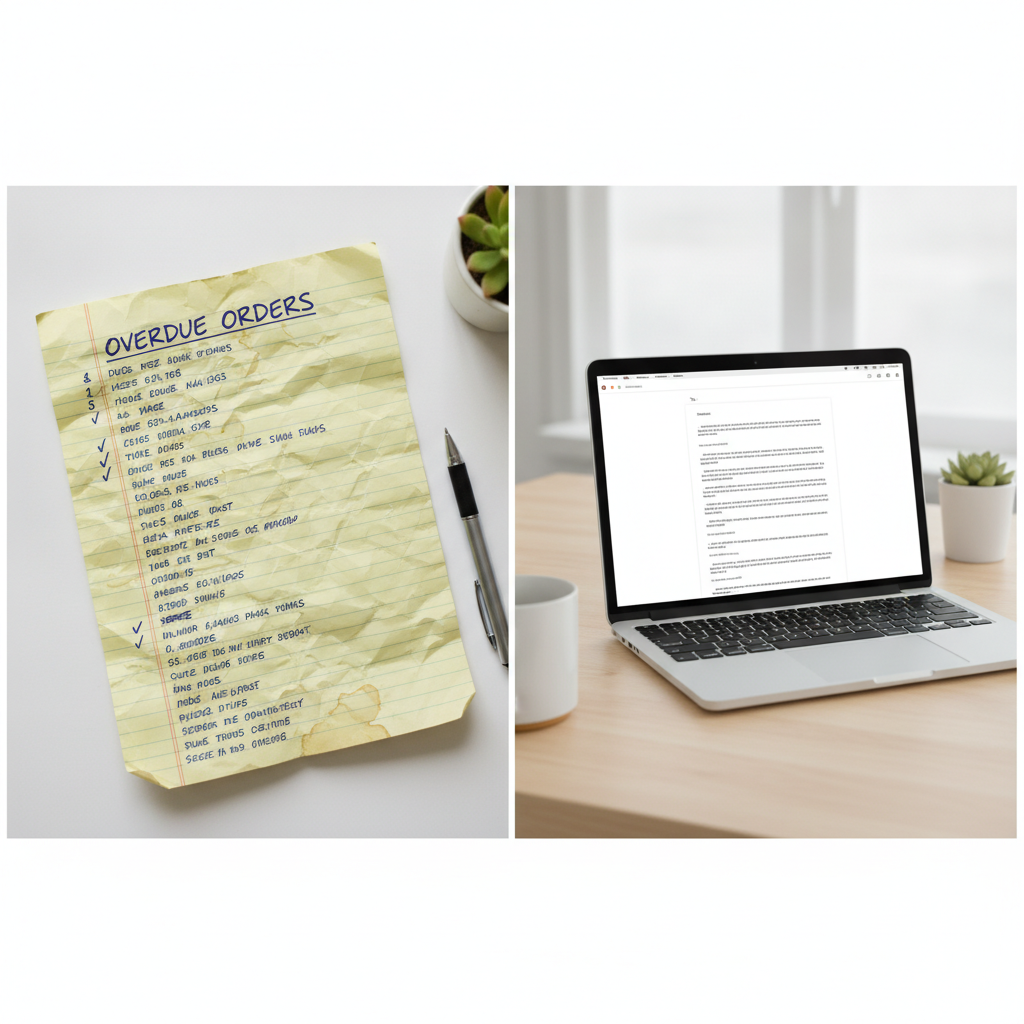
- Tracking which orders have gone quiet. The dangerous ones aren't the late deliveries you know about — they're the orders nobody has chased because it's fallen through the cracks.
- Chasing documentation. Certificates of conformity, delivery notes, invoices, insurance paperwork. Suppliers who are great at shipping can be terrible at admin.
Each of these has a different AI-appropriate solution. Lumping them together and hoping one tool fixes all of it is how AI projects fail quietly.
Drafting the Follow-Up Email
This is the most immediately useful thing AI can do here, and it works today with nothing more than ChatGPT, Claude, or Gemini and a decent prompt.
The key is giving the AI enough context. A vague prompt produces a vague email. The more specific you are, the more usable the output.
A prompt that actually works looks something like this:
"Write a professional follow-up email to a supplier. We placed an order for 200 units of stainless steel brackets on [date], with a confirmed delivery of [date]. Nothing has arrived and we haven't had a response to our email from [date]. We want to sound firm but not hostile — this supplier is important to us. Ask for a confirmed delivery date by end of day [date]."
What you get back is a solid first draft in under ten seconds. You'll probably tweak the tone slightly — maybe it's more formal than your usual register, or you want to add a reference to a previous conversation — but you've saved fifteen minutes of staring at a blank screen trying to find the right words.
Where this really pays off is in volume. If you're managing eight active orders and three of them need follow-up today, AI can draft all three in the time it would have taken you to write one. The judgment about which to send, and whether to adjust the tone for a particular supplier, stays with you.
Summarizing Long Supplier Threads
This is underused and genuinely valuable. Most AI tools with a document or text upload feature — including ChatGPT, Claude, and Gemini — can read a long email thread and give you a plain-English summary of what's been agreed, what's outstanding, and what was last said.
Copy the thread text into the chat and ask something like:
"Summarize this email thread. What delivery date was last confirmed? Has the supplier acknowledged our last message? What's still unresolved?"
You get a bullet-pointed answer in seconds rather than re-reading sixteen emails. If you're picking up a thread someone else started — a colleague is out sick, or this came from a previous member of staff — this saves enormous time.
One caution: be careful about pasting email threads containing sensitive commercial terms, pricing agreements, or personal data into a public AI tool without knowing your data policy. This is worth a quick read of your AI provider's terms, or using a tool your business controls. The article on what happens to data you paste into AI covers this in detail.
Flagging Orders That Have Gone Quiet
This is where most small businesses have the biggest gap, and it's also where AI requires a bit more setup.
The most straightforward approach: maintain a simple spreadsheet of open purchase orders — supplier, item, order date, expected delivery, last contact date. Then use an AI tool that can read spreadsheets (the AI inside Google Sheets or Excel works, as does uploading a CSV to ChatGPT) and ask:
"Which of these orders has had no contact in more than five days and a delivery date that has passed or is within three days?"
That gives you a prioritized chase list every morning without having to hold it all in your head.
For businesses using a proper inventory or ERP system, there may already be a reporting function that does something similar. The AI layer adds value when you want to turn that list into drafted emails immediately after generating it — so the output isn't just "here are the orders to chase" but "here are the orders to chase, and here are draft emails ready to send."
More sophisticated setups use automation tools like Make or Zapier to trigger a drafted follow-up email whenever an order hits a certain number of days without a status update. This is the kind of workflow that's genuinely time-saving once built, but it takes an hour or two to configure properly and needs someone to check the outputs aren't going out garbled. The AI automation guide for small businesses has a sensible framework for deciding whether a workflow like this is worth building.
Chasing Missing Documentation
Certificates, delivery confirmations, invoices, compliance paperwork — this is often the last mile of a purchase order that gets stuck. The supplier has shipped; you just can't close out the order because the paperwork hasn't followed.
AI helps here in two ways:
1. Drafting the chase. Same principle as delivery follow-ups, but the tone is usually lighter — this is admin, not urgency. A prompt like:
"Write a short, friendly email asking a supplier to send the delivery note and certificate of conformity for our order reference [X]. Keep it brief and professional."
Gets you a ready-to-send email in seconds.
2. Reading what arrives. When documentation does come in — a PDF, a photo of a delivery note, a scanned certificate — current AI tools can read those documents and tell you whether the key fields match your purchase order. Upload the document and ask: "Does the quantity, part number, and delivery address on this delivery note match order [X]?" This is far faster than manually cross-referencing, and it flags discrepancies you might have skimmed past.
The article on how AI reads photos and PDFs you upload explains the mechanics of this if you're not sure what's possible — the accuracy is good for standard documents but worth a human check on anything you're going to sign off on. If you want a sense of what the model actually receives when you hand it a document, Anthropic's documentation on PDF input is one example.
Where You Still Need a Human in the Loop
This is important enough to say plainly: AI should handle the drafting and the tracking. Anything involving a significant decision about money, a dispute, or a relationship you care about keeping needs a person.
Specifically:
Don't let AI send autonomously. Every follow-up email should be reviewed before it goes. AI gets tone wrong sometimes — it can sound slightly formal, slightly robotic, or slightly more pointed than you intended. A five-second read before sending is worth it.
Don't let AI handle disputes or credits. If a supplier has sent the wrong goods and you're negotiating a credit, or a relationship has reached the point where you're considering moving to a different vendor, those conversations need judgment AI doesn't have. Use AI to draft a summary of the situation — it's useful for briefing yourself before a call — but make those calls yourself.
Don't use AI-generated emails as legal notice. If a situation is heading toward a formal complaint or a contractual dispute, get a person involved before anything goes in writing. AI is not a lawyer and the email it drafts in that situation may say something you didn't mean to commit to.
Double-check any numbers. If you ask AI to summarize "what we're owed" across multiple outstanding orders, verify the arithmetic yourself. AI tools can get numbers wrong in ways that look plausible, and in a financial context that matters.
A Simple Way to Start
If this is new territory, here's a low-friction starting point that doesn't require buying new software or building automations:
- Open your current list of purchase orders — whatever format you keep it in.
- Identify any order that has passed its expected delivery date or hasn't had any contact in five or more business days.
- For each one, draft a follow-up using the prompt format above. Takes about thirty seconds per order once you have the context in front of you.
- Review each draft, adjust the tone where needed, send.
Do this for two weeks and track how much time it saves compared to writing each email from scratch. That's your baseline for whether it's worth investing in a more automated setup.
The Bottom Line
Supplier follow-up is one of those tasks that's genuinely well-suited to AI: it's repetitive, it follows patterns, and the cost of a slightly imperfect draft is low because a human is reviewing it before it goes anywhere. Done well, it can easily save two to four hours a week for a business managing a reasonable volume of orders — and more importantly, it means nothing slips through unnoticed.
The setup doesn't have to be complicated. A prompt template and a spreadsheet get you most of the benefit. The fancier automations are worth considering once you've got the basics running and you know what's actually worth your time to build.
If this kind of systematic thinking about where AI fits in your operations sounds useful — and you'd rather have someone map it out for your specific business than piece it together yourself — let's talk. A strategy call is a straightforward conversation about where the real time savings are for a business like yours.