

A lot of small business owners are asking the same question right now: should I put one of those AI chat widgets on my website?
It's a fair question. The pitch is appealing — a bot that answers customer questions at 2 a.m., keeps leads from bouncing, and saves your team from answering the same five questions on repeat. Sometimes that's exactly what happens. Sometimes you get a bot that confidently tells a customer the wrong price, invents a service you don't offer, or sends someone in circles until they leave frustrated.
The difference isn't luck. It's whether the chatbot was set up correctly — and whether it was the right tool for the job in the first place.
Here's a practical look at both sides.
What a Website Chatbot Actually Does Well
Let's start with the honest version of the upside.
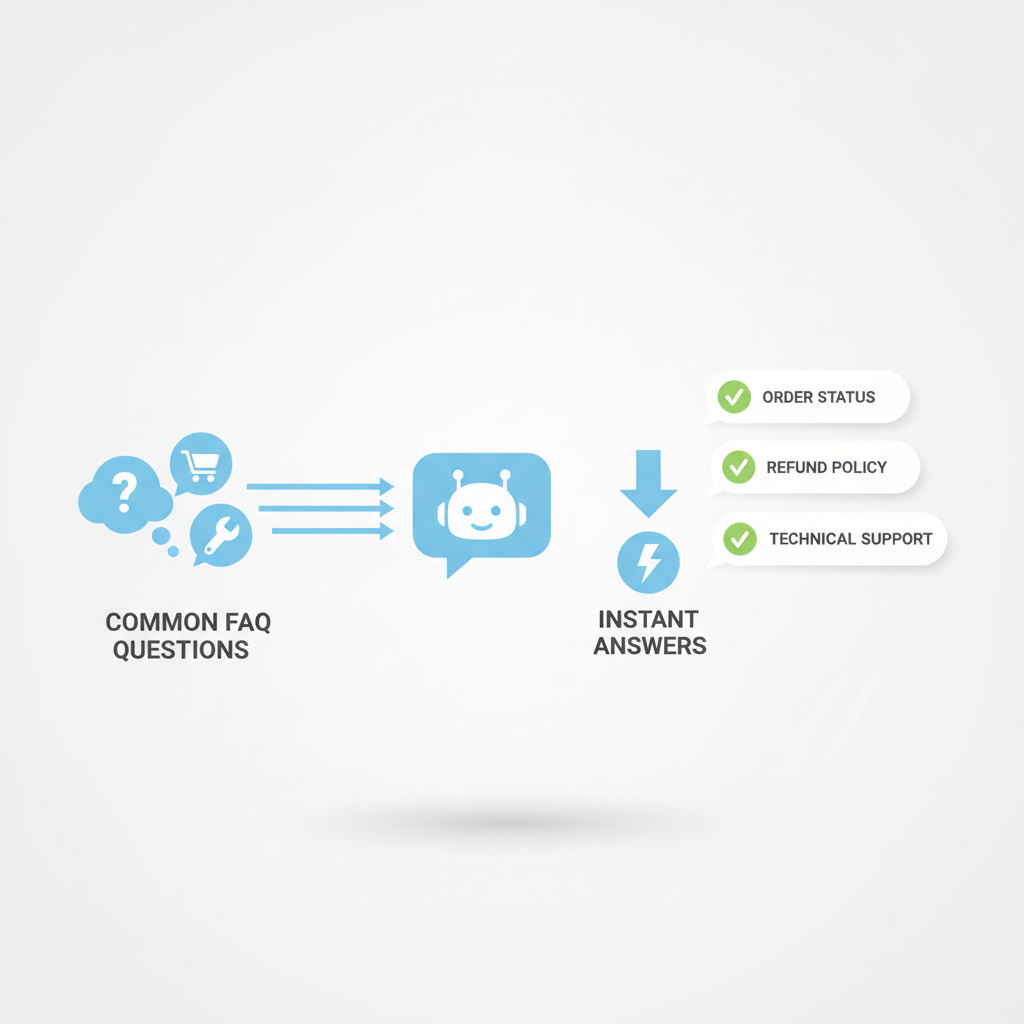
A well-configured chatbot is essentially a fast, tireless FAQ machine. It shines when:
- Visitors ask the same questions repeatedly. Hours, pricing tiers, service areas, turnaround time, parking, whether you take insurance — questions where the answer is the same every time and lives somewhere on your site.
- You get significant after-hours traffic. If people are browsing your site at 10 p.m. and leaving because they can't get a quick answer, a chatbot captures that moment. A contact form doesn't.
- You want to qualify leads before they reach you. A chatbot can ask "What's your timeline?" or "How many employees does your company have?" before routing someone to a booking link — so you're not spending time on a call you could have screened.
- Your team is fielding repetitive inbound. If someone on your staff spends an hour a day answering the same email questions, that's a real cost worth addressing.
In these situations, a chatbot can genuinely pay for itself — in staff time saved, leads captured, and customers who got an immediate answer instead of bouncing.
The Failure Mode Nobody Warns You About: Hallucination
Here's what separates a useful chatbot from a liability: what happens when someone asks something the bot doesn't know.
Older rule-based chatbots (the kind that present you with buttons to click) just say "I don't have that info — here's our contact page." That's fine. AI-powered chatbots — the kind built on large language models like GPT — are different. They're designed to produce fluent, confident-sounding responses. Which means when they don't know something, they often make something up rather than admit uncertainty.
This is called hallucination, and it's the single biggest practical risk of putting an AI chatbot on your website.
A customer asks your HVAC company chatbot whether you service a specific equipment brand. The bot — which has no reliable information about your actual service list — says "Yes, we service that brand." They book. You show up. You don't service that brand. That's a real failure with a real consequence.
The good news: there are concrete ways to reduce this risk significantly.
How to Stop Your Chatbot from Inventing Things
1. Give it a tight, explicit knowledge base — and nothing else.
Most reputable chatbot platforms let you feed the bot specific documents or pages it's allowed to draw from: your FAQ page, your services list, your pricing page, your policies. The bot should only answer from those sources. If a question falls outside that material, it should say so and route the visitor to a human or a contact form.
This is called "grounding" the model, and it's the most important configuration decision you'll make.
2. Write explicit instructions about what the bot is NOT allowed to do.
Most platforms let you write a system prompt or configuration instructions. Use them. Examples of things to include:
- "Never quote specific prices — direct users to the pricing page or to contact us for a quote."
- "Do not make claims about services unless they appear in the provided documents."
- "If you are unsure of an answer, say 'I don't have that information — here's how to reach our team directly.'"
3. Test it like an adversary, not a developer.
After setup, ask the bot the questions your most awkward customers ask. Ask edge cases. Ask things that aren't on your site. See what it does. You want to find the gaps before your customers do.
4. Review conversation logs regularly — especially early on.
Most platforms give you logs of what visitors actually asked and how the bot responded. Read them. You'll find questions the bot is handling badly, and you'll find questions that should be added to your knowledge base.
The Real Setup Effort (Not the Marketing Version)
The sales pitch for most chatbot tools makes setup sound like an afternoon project. Realistically, here's what you're looking at:
The easy part: Signing up, installing a widget on your website, and having something running takes an afternoon. Many tools — Intercom, Tidio, Drift, Chatbase, and others — have decent onboarding flows.
The time-consuming part: Building a knowledge base that's actually accurate, structured, and complete. This means someone needs to sit down and write clear answers to every common question. Not just paste in your homepage copy — real answers, the way you'd actually explain them to a customer.
If your team isn't sure what questions customers most commonly ask, that itself is a prerequisite step: pull your support emails, look at your live chat logs, ask whoever answers the phone.
The ongoing part: Chatbots aren't set-and-forget. They need maintenance — updating when your pricing changes, your services change, your policies change. If your bot is still quoting last year's prices in March, that's a problem.
Realistically, count on 10-20 hours of initial setup if you want to do it right, and 1-2 hours per month of maintenance and review. For many businesses, that's a worthwhile investment. For others, it isn't.
When a Contact Form Still Wins
A chatbot is a tool, not a universal upgrade. There are situations where the honest answer is: a simple contact form serves your business better.
Your inquiry volume is low. If you get five website inquiries a week, there's no meaningful problem to solve. Responding to five emails takes twenty minutes. A chatbot adds complexity without adding value.
Your business is high-consideration and relationship-driven. If you're a wealth manager, a therapist, a bespoke manufacturer — fields where trust and nuance are the product — a chatbot on the front page can actually undercut the premium feel you've built. Customers in these contexts often want to feel heard by a person, not processed by a system.
Your services vary significantly by customer. If almost every answer is "it depends," a chatbot will either give useless non-answers or dangerous oversimplifications. Some businesses genuinely require a human to qualify and scope properly.
You don't have the time to set it up correctly. A badly configured chatbot is worse than no chatbot. It gives wrong information with confidence, frustrates visitors, and reflects poorly on your business. If you can't invest the setup time to do it right, wait until you can.
A Practical Decision Framework
Run through these questions before you commit:
-
Do we have a documented list of the 20 most common customer questions, with reliable answers? If not, build that first. It's the foundation.
-
Are we actually losing leads or wasting staff time on repetitive questions? If yes, a chatbot has a real job to do. If no, it's a solution to a problem you don't have.
-
Can we give the chatbot clear limits — a defined scope of what it can and can't answer? If your business is too complex or variable to define those limits, the risk of hallucination is high.
-
Do we have someone who will maintain it? Name that person before you sign up for a platform.
-
Would our customers actually prefer this? For some audiences (busy professionals, younger demographics), a quick chatbot answer is a feature. For others, it's friction.
If you answered yes to most of these, a chatbot is likely worth exploring. If you hit a wall at question one or two, start there.
Choosing a Platform (Without Going Down a Research Hole)
You don't need to evaluate every option on the market. A few starting points for small businesses:
- Tidio — Good fit for e-commerce and service businesses; strong live-chat fallback so a human can take over conversations.
- Chatbase — Lets you train a bot directly on your documents and website; relatively easy to constrain to a specific knowledge base.
- Intercom — More powerful (and more expensive); better for businesses with higher inquiry volume or sales teams.
- Voiceflow — More technical to set up, but gives you precise control over conversation logic; good if you want to avoid hallucination by building explicit decision trees rather than relying on AI generation.
The right platform depends on your use case, your budget, and how much customization you need. This is the kind of decision worth spending an hour on rather than picking whatever came up first in a Google search.
The Bottom Line
A website chatbot can be a genuinely useful tool for a small business — not because it's AI, but because it's a well-configured system that gives visitors reliable answers fast, captures leads outside business hours, and reduces repetitive work for your team.
But "can be useful" only holds when it's scoped correctly, grounded in accurate information, and given explicit guardrails about what it's not allowed to do. Without those things, you're not installing a helpful assistant — you're installing a confident misinformer.
Get the knowledge base right first. Define the limits clearly. Test it hard before it goes live. Review the logs after. And be honest with yourself about whether your business actually has the problem a chatbot solves.
If you do all that, it's worth it. If you don't have the time to do all that right now, a clean contact form with a 24-hour response promise will serve your customers better than a chatbot you're not confident in.
If you're trying to figure out which AI tools are actually worth building into your business — and which ones to skip — that's exactly the kind of question we work through with clients. Book a strategy call and let's look at what makes sense for your specific situation.