

The Meeting Ends. The Follow-Through Doesn't.
You've been in this meeting. Everyone's aligned, the decisions feel clear, someone says "I'll send out notes later" — and then nothing arrives, or what arrives is a paragraph summary that misses half the action items. A week later you're back on a call relitigating the same questions.
This isn't a discipline problem. It's a documentation problem. And it's one of the few places where AI actually solves something real for small businesses right now, and a natural place to start automating.
AI transcription and summary tools have gotten genuinely good at converting a recorded call into something useful: a clean summary, a list of decisions made, and action items with owner names attached. They're not perfect — this article will be honest about where they fall short — but used correctly, they eliminate the most common reason meetings produce nothing: the notes either don't exist or don't get read.
What These Tools Actually Do
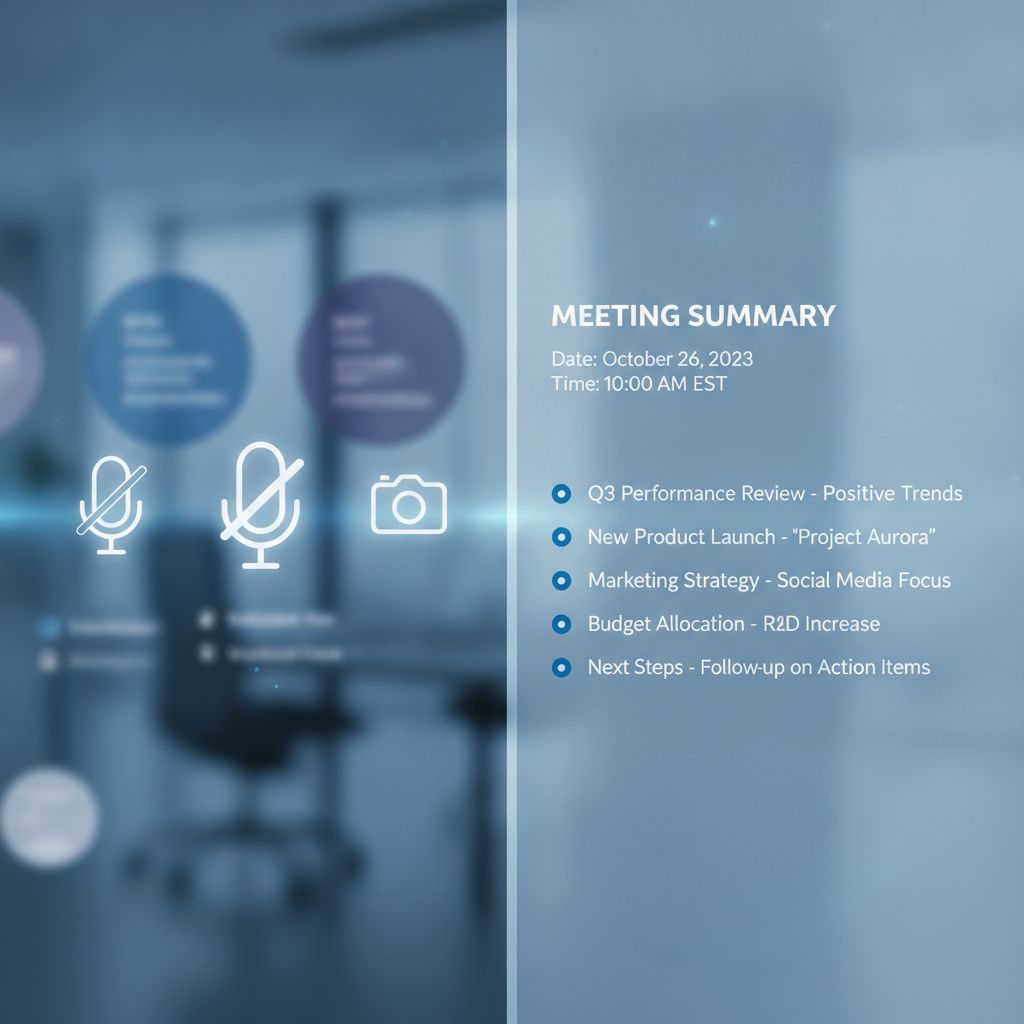
At the basic level, AI meeting tools join your call (via Zoom, Google Meet, Teams, or a phone app), record and transcribe it in real time, and then run that transcript through a language model to produce structured output. What you get at the end of the call — usually within a few minutes — typically includes:
- A summary (a few paragraphs covering what was discussed)
- Decisions logged (explicit calls made during the meeting)
- Action items (who's doing what, ideally with a deadline)
- The full transcript (searchable, in case you need to check what was actually said)
Tools doing this well right now include Fireflies.ai, Otter.ai, Fathom, Notion AI (if you're already in Notion), and Microsoft Copilot for Teams users. Pricing ranges from free tiers with usage caps to $10–$25/user/month for full features. Most small businesses with 5–30 employees can run one of these for under $100/month total.
The setup is usually minimal: connect to your calendar, authorize the bot to join meetings, and it handles the rest.
Where AI Is Reliably Useful
Summaries are the strongest feature. A good AI meeting summary is consistently better than what most people would type up in 15 minutes after a call. It's faster, it hits the main threads, and it doesn't skip things because the note-taker got distracted. For internal team calls, project check-ins, and vendor discussions, the summaries are usually accurate enough to use with light editing.
Action item extraction is close behind. When someone says "I'll send that proposal by Friday" or "Can you follow up with the vendor by end of week?", modern tools catch that and format it as an assigned task. The reliability depends on how clearly people speak in meetings — if your team tends to use direct, explicit language ("John, you're taking point on the contract"), the extraction is accurate most of the time. If discussions are more meandering or implicit, it misses things.
Searchable transcripts are underrated. The ability to search a call from last month for what was actually said about a specific client, decision, or budget number is genuinely valuable — and something that handwritten notes almost never provide.
Async distribution is where the ROI becomes tangible. The summary gets emailed to everyone on the invite list automatically. No one has to ask for notes. No one has to write them. That alone changes behavior.
Where You Still Need a Human Eye
Names and proper nouns. Transcription accuracy drops when people have uncommon names, when multiple people talk at once, or when audio quality is poor. "Sarah" can become "Sara" or get attributed to the wrong speaker. Client names, product names, and acronyms specific to your business frequently get mangled. Before sending a client-facing recap, read it.
Numbers and commitments. If a number is important — a price agreed on, a quantity, a deadline — verify it in the transcript, not just the summary. Summaries occasionally compress or slightly shift the meaning of a specific commitment, one of the ways AI can sound confident while getting a detail wrong. Forty-eight hours isn't the same as end of week.
Tone and nuance. AI summarizes what was said, not how it was said. A concern someone raised hesitantly may appear in the summary as a flat objection. A tentative agreement may read as firm. If the dynamics of a conversation matter — and sometimes they do — read the relevant transcript section yourself.
Anything sensitive. Which brings us to the next section.
The Privacy Question You Need to Answer Before You Start
Recording a meeting means telling everyone on the call. In most U.S. states, you need at least one-party consent (meaning you can record calls you're on without telling others); many states require all-party consent. This is not optional fine print — it's the law, and the rules differ depending on where you and your participants are located. When in doubt, disclose.
Most AI meeting bots handle this by showing up in the meeting with a visible name like "Fireflies Notetaker" and sometimes playing an automated notice. That's usually enough for internal calls where everyone knows the drill. For calls with new clients, vendors, or anyone outside your team, lead with it explicitly: "I use an AI notetaker on calls to keep track of action items — that okay with you?"
Most people say yes. Some will say no. Respect that.
Don't record:
- Calls involving HR issues, terminations, or anything an employee might consider private
- Legal consultations or anything subject to privilege
- Negotiations where candor matters and a recording could change the dynamic
- Anything your gut says would make the other party uncomfortable if they knew
Having a consistent policy — "we record internal meetings and external calls only with explicit consent" — is both ethical and legally defensible. Put it in your client onboarding so it's not a surprise.
A Simple Setup That Actually Creates Follow-Through
Here's a practical workflow that works for most SMBs:
Step 1 — Connect the tool to your calendar. The notetaker joins automatically. You don't have to remember to start a recording.
Step 2 — Set a standard template. Most tools let you customize the output format. Create a default that surfaces: (a) key decisions, (b) action items with owner and due date, (c) brief summary. Skip "topics discussed" lists — they add length without adding value.
Step 3 — Route the output to where your team actually works. If your team lives in Slack, send the summary there. If you use a project management tool like Asana, ClickUp, or Monday.com, many of these tools integrate directly so action items become tasks automatically. If you work from email, the summary email is fine. The point is: the notes should land where people already look.
Step 4 — One human does a 3-minute review before it goes out. Ideally the meeting organizer. They check names, confirm the action items are right, and catch anything the AI missed or distorted. This isn't writing the notes from scratch — it's proofreading a solid draft.
Step 5 — Action items get assigned in your task tool, not just listed in the email. A task in someone's task list gets done. A line in a summary email gets scrolled past. The summary is the record; the task tool is the follow-through.
This process takes about 5 minutes per meeting once it's set up. It produces better documentation than most companies have ever had, and it makes meeting follow-through the default rather than the exception.
The Honest Bottom Line
AI meeting tools are one of the clearest near-term wins for small businesses right now. The cost is low, the setup is minimal, and the improvement over "someone writes notes if they have time" is substantial. For teams that run 5–15 meetings a week, this is probably worth more than most software you're paying for.
That said: the AI does the drafting, not the deciding. You still have to review what it produces, especially when numbers, names, or client relationships are involved. Think of it as a diligent intern who takes very fast notes and never forgets to send them — but who occasionally gets someone's name wrong or misses the subtext of a difficult conversation.
Use it for what it's good at. Keep a human in the loop where it matters. And stop losing good decisions to bad notes.
If you want help thinking through which tools fit your business, how to integrate them into your existing workflows, and what else AI can do to take operational work off your plate — let's talk. A single strategy call is usually enough to identify two or three changes that actually stick.