

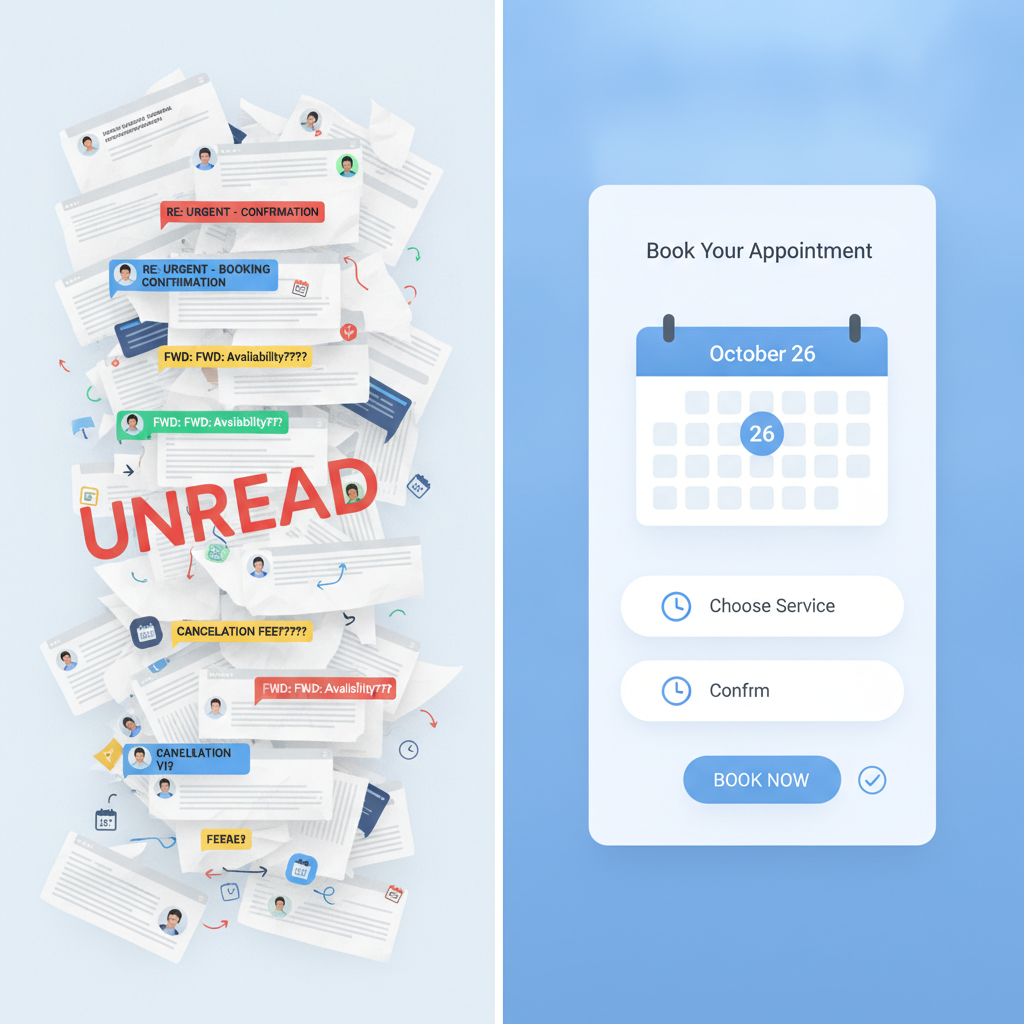
If you've ever spent twenty minutes trading emails to land a thirty-minute meeting, you already understand the problem. Scheduling is one of those tasks that feels minor until you add it up — and for most small businesses, the math is ugly. A four-person service team, each handling ten bookings a week, spending five minutes per booking on back-and-forth: that's over three hours of calendar ping-pong, every single week, that nobody is billing for.
AI scheduling tools have gotten genuinely good at eliminating that grind. Not "good for a chatbot" — good enough that many small businesses can largely hand off the booking process and get cleaner results than they were getting manually. But the setup details matter, and the tools have real limits worth knowing before you commit.
Here's where AI scheduling actually earns its keep, and where it'll let you down if you're not careful.
What "AI Scheduling" Actually Means (and What It Doesn't)
First, a quick vocabulary note, because the term gets used loosely.
Most tools marketed as "AI scheduling" fall into two buckets:
Smart booking links — Tools like Calendly, Acuity, or Cal.com that let clients pick from your available slots, automatically block your calendar, and send confirmations. These are mostly rule-based automation, not AI in the technical sense. But they're genuinely useful and worth using if you aren't already.
AI-native scheduling assistants — Tools like Reclaim.ai, Motion, or the scheduling features inside platforms like HubSpot and Salesforce that actually analyze your calendar, learn your priorities, automatically move lower-priority blocks to protect focus time, and coordinate across team members. These are using machine learning to make active decisions, not just follow rules.
Both categories are worth your attention. The distinction matters because they solve different problems. The first eliminates the back-and-forth with clients. The second helps you manage your own time and team coordination intelligently.
Where AI Scheduling Cuts Real Time
1. Booking Links That Don't Require You to Touch a Thing
The most immediate win for most small businesses is the basic booking link. You set your availability rules once — hours, buffer time between appointments, how far out clients can book, how many per day — and the tool handles everything from there. Client picks a slot, gets a confirmation, and lands on your calendar. You find out when you open your calendar in the morning.
This sounds simple, but the downstream effects add up fast:
- No more "does Tuesday at 2 work?" chains
- Automatic time-zone conversion (more on the gotchas here later)
- Confirmation emails sent instantly, without anyone touching a keyboard
- Calendar blocks created on both sides simultaneously
For any business that books client calls, consultations, site visits, or appointments, this alone is worth the $15–$20/month these tools typically cost.
2. Handling Reschedules Without the Second Round of Back-and-Forth
Reschedules are where unassisted booking really breaks down. The client needs to move their Tuesday slot, so they email you, you check your calendar, you offer three alternatives, they pick one, you update the calendar, you send a new confirmation — and you've just eaten another ten minutes you didn't budget for.
Good booking tools handle this end-to-end. The client gets a link in their confirmation email to reschedule themselves. They pick a new slot from your live availability. The old slot opens back up. A new confirmation goes out. You find out via a notification. You did nothing.
The businesses that set this up and then get bitten are usually the ones who forgot to set a reschedule cutoff window. If someone can reschedule two hours before their appointment, you may end up with half-empty days and no way to backfill them. Set a minimum-notice rule — 24 hours is common for most service businesses, 48–72 for anything that requires prep or travel — and the tool enforces it automatically.
3. Reducing No-Shows With Automated Reminders
No-shows cost real money. For a business billing $200/hour, even two no-shows a week is $20,000 a year in lost revenue — and that's before you factor in the blocked time you couldn't offer to someone else.
The research on appointment reminders is consistent: a reminder 24 hours before an appointment cuts no-show rates significantly. Adding a second reminder a couple of hours before cuts it further. Most scheduling tools can automate both, and the better ones let you customize the message — so it sounds like you, not like a robot.
A few things that move the needle beyond basic reminders:
- SMS over email — Open rates on SMS run around 98%. Email reminders help; SMS reminders help more, especially for consumer-facing businesses.
- Confirmation-click reminders — Some tools let you require a click-to-confirm from the client 24 hours out. If they don't confirm, it can trigger a follow-up or alert you to reach out. This works well for high-value appointments where you need certainty.
- Waitlist automation — When a cancellation comes in, tools like Calendly and Acuity can automatically offer the slot to people on a waitlist. You never see the transaction; the slot just fills.
4. Team Scheduling and Round-Robin Booking
If you have more than one person available to take appointments, coordinating who takes what is its own layer of friction. AI scheduling tools handle this elegantly.
Round-robin routing — Incoming bookings are automatically assigned to the next available team member in rotation. Useful for sales calls, support consultations, or any function where a client doesn't need a specific person.
Collective availability — The tool shows only slots where all required participants are free. No more "let me check with Sarah and get back to you."
Load balancing — Some tools (Reclaim.ai and Motion are good examples) go further: they monitor how booked each person is and route new appointments to whoever has more capacity, not just whoever's "next."
For a small team, this cuts a meaningful amount of internal coordination. The catch: you need everyone's calendars connected and up-to-date, which is a people problem as much as a tool problem. More on that below.
The Setup Gotchas That Trip People Up
Most scheduling frustrations aren't the tool failing — they're predictable setup mistakes. Here are the ones that come up most often.
Calendar Access Isn't Always as Clean as It Looks
These tools work by reading and writing to your calendar. That sounds simple until you have a team member with a personal Google calendar they're also using for work, or someone on Outlook while everyone else is on Google, or a technician who updates their calendar from a phone and sometimes forgets.
Before you set up team scheduling, audit your actual calendar habits. Where are people truly tracking their time? If the answer isn't clean and consistent, fix that first. A scheduling tool that reads an incomplete calendar will offer slots that aren't actually free — and that creates a worse experience than no tool at all.
Time Zones Will Embarrass You If You're Not Careful
If you have any clients outside your own time zone — even just across one or two zones — get this right at setup. Most booking tools display availability in the client's local time zone automatically, which is correct behavior. But there are edge cases:
- Does your tool handle daylight saving transitions correctly? (Some older tools don't.)
- If you manually block time, are you blocking in your local time or UTC?
- If a team member is in a different city, is their calendar set to their local zone?
Test it yourself before you send a booking link to clients. Book a test appointment as if you were a client in a different time zone and confirm the times land correctly on both sides.
Edge Cases Require a Human Override Plan
AI scheduling tools are good at the common case. They struggle with the exception. A client who needs a longer appointment than your standard slot. An appointment that requires a specific room, piece of equipment, or team member who's only available Tuesday mornings. A booking that has compliance requirements — like needing a signed form before the appointment can be confirmed.
None of these are reasons to avoid the tools. They're reasons to define your edge cases upfront and decide consciously whether to handle them within the tool (many have custom fields, conditional logic, or appointment types) or outside of it with a note that says "for custom requests, email us directly."
The worst outcome is a complex booking that gets partway through an automated flow and then stalls — leaving the client confused about whether they're actually booked. Know where your automation ends, and make that handoff clean.
"Smart" AI Features Need Time to Learn
Tools like Reclaim and Motion work best after a few weeks of use, once they've seen your actual calendar patterns. Don't judge them by day three. And don't expect them to magically fix a fundamentally overbooked schedule — they'll move things around, but they can't create hours that don't exist.
A Simple Starting Point (If You're Not Using Anything Yet)
If your business isn't using any scheduling automation yet, don't try to solve everything at once. A reasonable path:
-
Pick one booking type to automate first. Discovery calls, consultations, recurring check-ins — whatever involves the most back-and-forth. Set up Calendly, Acuity, or Cal.com (free tiers exist for all three) for just that use case.
-
Turn on reminders immediately. 24-hour email, 2-hour SMS if your tool supports it. This will reduce no-shows before you've done anything else.
-
Add team features only after the basics are solid. Get your own calendar clean and accurate first. Then connect the team.
-
Revisit after 30 days. Look at whether slots are getting filled, whether no-shows dropped, whether you're fielding fewer back-and-forth emails. The ROI on these tools is usually visible fast.
What AI Scheduling Won't Do
To be honest about limits: AI scheduling tools are good at logistics. They're not good at nuance.
They can't tell that a particular client always needs fifteen extra minutes and prefers morning slots. They can't notice that two clients who have a difficult history shouldn't be scheduled back-to-back on a high-stakes day. They can't read a complicated email from a client and figure out what they actually need.
The value is in the routine — the predictable, repeatable booking flow that's currently eating your (or your team's) time. That's where you hand it to the machine and don't look back. The exceptions, the judgment calls, the relationship management — those stay with you.
That's not a limitation of these tools. It's just a clear-eyed read of what they're actually for.
If you're looking at your operations and wondering which workflows are actually worth automating — scheduling, intake, follow-up, reporting — that's exactly the kind of conversation we have with clients. You're welcome to book a strategy call and we'll give you a straight answer about where AI is likely to move the needle for a business like yours.