

AI Cuts Both Ways: Using It to Catch the Scams Aimed at You
There's an uncomfortable truth buried inside every AI productivity conversation: the same technology that helps you draft faster, answer customer questions, and summarize meetings is also helping criminals write more convincing scam emails, clone voices, and fabricate invoices that look exactly like the real ones.
AI hasn't invented fraud. But it has dramatically lowered the cost of making fraud look legitimate. A phishing email used to announce itself with broken English and a sender address from a Romanian domain. Now it reads like your CFO wrote it — because, in a sense, AI did.
The good news is that the defense has access to the same tools as the offense. This article explains, in plain English, how AI-powered scams have gotten harder to spot, and what a small business can actually do about it — including the tools worth your attention and the habits that cost nothing.
What's Changed (and Why It Matters for Small Businesses)
Scammers have always targeted small businesses. But three shifts in the last two years have made the threat meaningfully worse.
1. The writing is now indistinguishable.
Large language models — the AI behind ChatGPT and its cousins — can produce flawless, contextually appropriate prose in any style. Attackers use them to write phishing emails that match your vendor's tone, reference real invoice numbers scraped from your website, and include the name of your actual accounts payable contact. The "just look for typos" advice is effectively dead.
2. Voice cloning is cheap and fast.
Given 10–30 seconds of audio — easily harvested from a voicemail greeting, a podcast, a LinkedIn video — AI tools can clone a voice well enough to fool someone over the phone. "CEO fraud," where a caller impersonates an executive to authorize a wire transfer, used to require a human actor. Now it can be automated. The FBI's Internet Crime Complaint Center logged over $50 billion in losses from business email and voice fraud through 2023 — a number that has only climbed since generative AI became widely accessible.
3. Fake documents are now pixel-perfect.
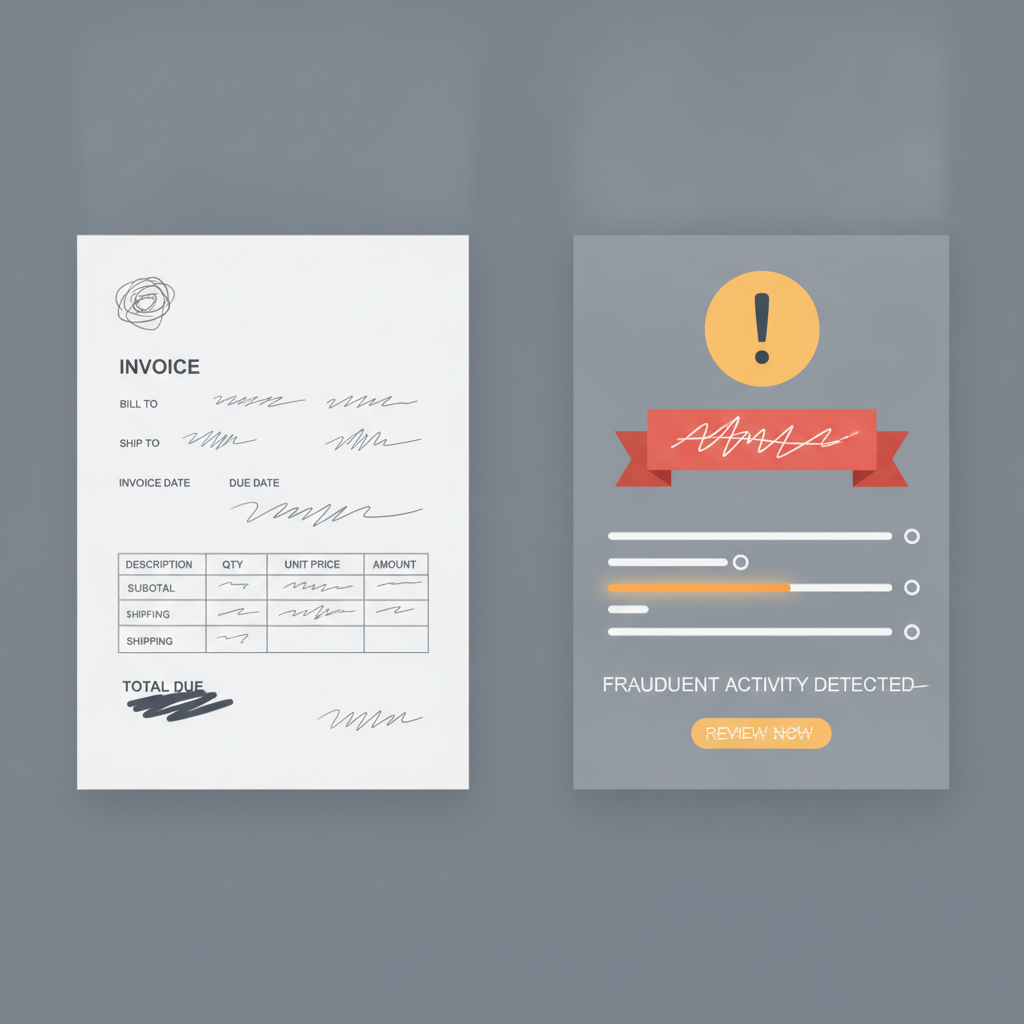
AI image tools and template generators can produce invoices, W-9s, and contracts that are visually identical to the real thing. A fake invoice from a vendor you actually use, with the correct logo and payment terms, dropped into an email thread that looks like a real conversation — that's not hypothetical. That's a technique called "business email compromise," and it's currently the costliest form of cybercrime targeting businesses under 200 people.
The AI-Powered Tools Worth Knowing About
You don't need a dedicated IT security team to get meaningful protection. Several tools integrate directly into the software you already use.
Email security with AI filtering
Most email platforms now include some level of AI-assisted threat detection, but the quality varies significantly.
- Microsoft Defender for Business (part of Microsoft 365 Business Premium) uses machine learning to flag suspicious links, unusual sender behavior, and impersonation attempts — including when someone spoofs a domain that looks like yours (think
blueprintaistrategy.coinstead ofblueprintaistrategy.com). For businesses already on Microsoft 365, it's worth turning on. - Google Workspace's spam and phishing filters have improved substantially and now include AI-driven detection of novel threats, not just known bad actors. Make sure your admin settings aren't softening them.
- Abnormal Security is a third-party option built specifically for email threat detection that goes deeper than what's native to most platforms. It's designed for businesses that need enterprise-grade protection without an enterprise IT department.
None of these catch everything. But they catch a lot — and they get better over time because they're trained continuously on new attack patterns.
Browser and link protection
Phishing often lives in a link, not the email itself. Tools like Malwarebytes Browser Guard and Cloudflare Gateway (which has a free tier) can flag malicious URLs before anyone clicks through. Some password managers, including 1Password and Bitwarden, also warn users when a site's URL doesn't match a saved credential — a simple but effective catch for lookalike domains.
Invoice and payment verification
This is the highest-dollar risk for most small businesses, and it's one place you'll see AI tools moving into bookkeeping and admin work — showing up right inside your accounting software. QuickBooks and Xero have both added anomaly detection features that flag invoices deviating from established patterns — new bank account numbers from a known vendor, amounts outside normal range, first-time payees above a threshold. These aren't foolproof, but they create a speed bump at exactly the right moment.
For businesses with higher payment volume, Medius and Tipalti offer AP automation with built-in fraud detection that cross-references vendor data and flags changes to payment details.
Voice and deepfake detection
This space is newer and less mature, but it's moving fast. Pindrop offers voice authentication and fraud detection for businesses that handle phone-based approvals. For lower-stakes situations, simply establishing a verbal or text-based confirmation code with your executive team costs nothing and defeats most voice-clone attempts. (More on this below.)
What Tools Can't Do — And What You Have to
Here's the honest part: AI security tools are a layer of protection, not a guarantee. They work on patterns and probabilities. A well-crafted, targeted attack — especially one that uses information specific to your business — can still get through.
The attacks that succeed almost always exploit a human moment: someone busy, someone trusting, someone who didn't think to verify because everything looked normal.
That means your second line of defense is process, not software.
Verify payment changes out-of-band
If anyone — vendor, employee, or executive — requests a change to payment instructions or account details, verify it through a completely separate channel before acting. Don't reply to the email; call the person on a number you already have. Don't click a link in the message; go to the vendor's website directly. This one habit stops the majority of business email compromise attacks cold.
Establish a "safe word" protocol for wire approvals
For any transaction above a threshold your business sets, require a verbal or text confirmation using a pre-agreed phrase. This sounds like overkill until someone receives a convincing voice clone of your voice asking them to move $40,000. A codeword they've never heard you say costs nothing to implement.
Treat urgency as a red flag
AI-generated scams are good at a lot of things. They're especially good at urgency. "This needs to be done today," "the CEO is in a meeting and asked me to reach out directly," "we'll lose the contract if you don't act by 3 PM" — these phrases are reliable signals that something is wrong. Build a culture where urgency, coming from outside your normal workflow, triggers a pause rather than faster action.
Audit your public digital footprint
Scammers research their targets. Your website, LinkedIn, job postings, and press releases tell attackers who your vendors are, who your executives are, and what your payment process looks like. That's not a reason to scrub your online presence — it's a reason to be aware of what's out there and not to publish operational details that create unnecessary exposure (like naming your bank or describing your AP workflow in a case study).
A Practical Starting Point
If you're not sure where to begin, here's a low-friction sequence:
-
Audit your email security settings this week. Log into your Microsoft 365 or Google Workspace admin panel and confirm that phishing and impersonation protection is turned on at its highest available setting. This takes 20 minutes and costs nothing if you're already paying for the platform.
-
Add a browser protection tool. Cloudflare Gateway's free DNS filtering takes about 30 minutes to set up and blocks a significant percentage of known malicious domains across your whole network.
-
Establish a verbal verification rule for payment changes. Write it down, tell your team, make it non-negotiable. One sentence in your accounts payable process can prevent a five-figure loss.
-
Check whether your accounting software has fraud detection features. If it does, make sure they're enabled. If it doesn't, it's worth factoring into your next software review.
-
Brief your team on voice cloning. Most people have no idea this exists yet. A 10-minute conversation about what deepfake voice calls sound like — and what your verification protocol is — dramatically reduces the risk.
The Right Mindset for This
None of this requires paranoia. It requires the same healthy skepticism you already apply to a too-good-to-be-true deal or a high-pressure sales call. AI-powered scams are more convincing, but they're not magic — they still depend on someone acting without verifying.
The businesses that get hit aren't typically reckless. They're busy, and they had good systems for a threat environment that no longer exists. Updating those systems now, before an incident, is straightforwardly cheaper than responding to one after.
AI is a tool. The people pointing it at your business are counting on you not to point it back.
If you'd like help thinking through where your business is most exposed — or how to build AI-powered workflows that include security as part of the design, not an afterthought — let's talk. A focused conversation is often all it takes to find the two or three changes that matter most.