

AI for the Boring, Expensive Back Office
Nobody starts a business because they love processing invoices.
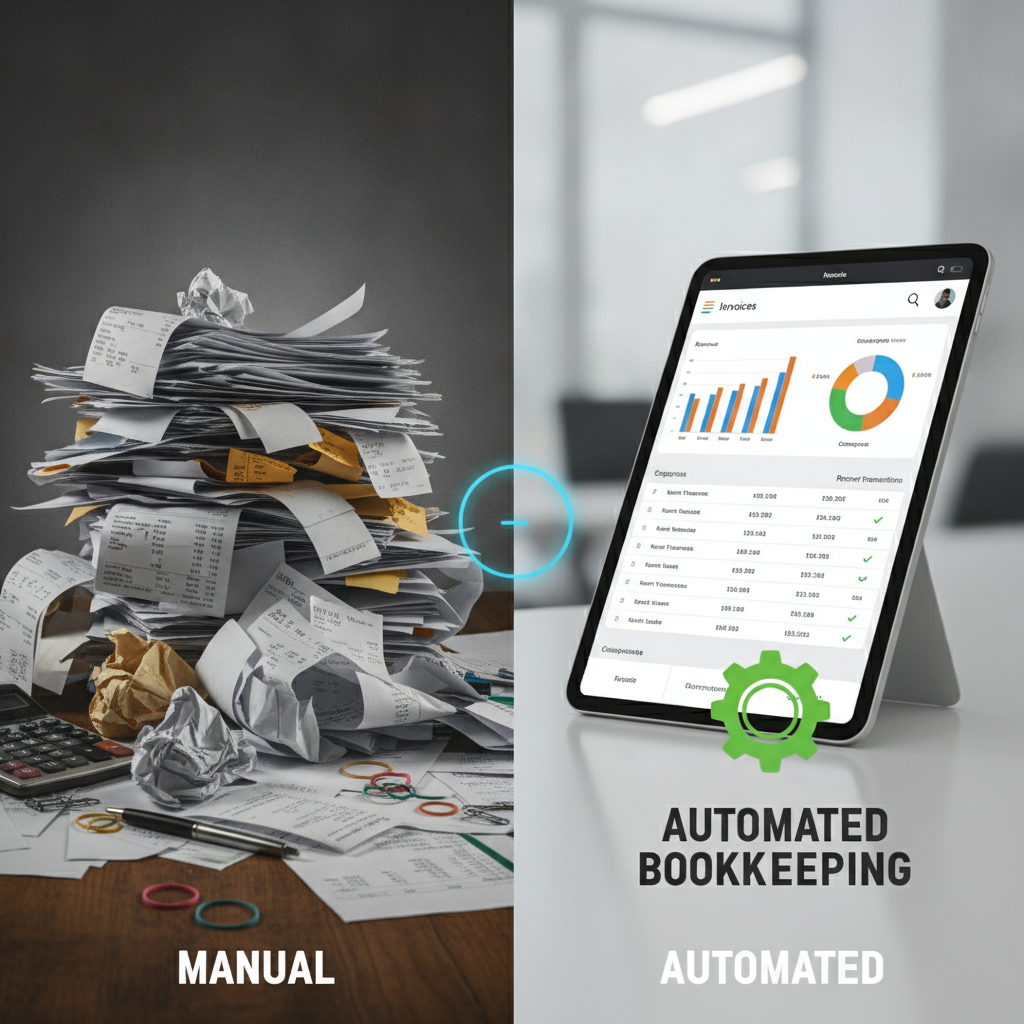
But invoices get processed. Expenses get categorized. Reports get drafted. Data gets entered, cross-checked, reconciled, and entered again. For most small businesses, this unglamorous work isn't optional — it just quietly absorbs 5, 10, sometimes 20 hours a month from you, your bookkeeper, or your office manager. Hours that cost real money and produce zero competitive advantage.
This is where AI earns its keep fastest — not in flashy strategy decks, but in the back office. Here's an honest look at what's reliable enough to use today, where you still need a human in the loop, and how to start without betting the farm.
The back-office hours problem
Before getting into tools, it helps to be precise about what "back-office work" actually costs.
Consider a business with $2M in annual revenue and a part-time bookkeeper at $25/hour. If that bookkeeper spends 15 hours a month on data entry, expense categorization, and invoice matching — work that is largely mechanical and rule-based — that's $375/month, or $4,500/year, in labor doing things a machine can do reasonably well.
Add an owner who spends two hours a week pulling reports, formatting data for their accountant, and chasing down receipts, and you're looking at another $10,000–$15,000/year in opportunity cost, depending on how you value your time.
That's not a horror story. That's a completely normal small business. And it's exactly the kind of problem AI tools were built for.
What AI actually does well in the back office
Invoice processing and data capture
Extracting data from invoices — vendor name, line items, amounts, due dates — is one of the cleaner AI use cases in finance. Tools like Dext (formerly Receipt Bank), Hubdoc, and the built-in automation in QuickBooks Online and Xero use optical character recognition (OCR) combined with machine learning to pull structured data from PDFs, photos of paper invoices, and email attachments.
In practice, this means an invoice that arrives in your inbox can be captured, parsed, and pushed into your accounting system with minimal human handling. The better tools achieve high accuracy on clean, typed documents — think 90%+ on a standard vendor invoice from a recurring supplier.
Where to be careful: Handwritten invoices, unusual formats, and first-time vendors will have higher error rates. Always build in a review step for anything that touches a payment — the same habit that catches AI-generated invoice scams before the money goes out. "AI processed it" is not a defense when you overpay a vendor or miss a billing error.
Expense categorization
This is one of the most time-consuming mechanical tasks in small business bookkeeping, and AI handles it reasonably well — with a caveat.
Tools like Expensify, Ramp, Brex, and the automation layers inside QuickBooks and Xero learn from how you've categorized expenses before. A charge from Delta gets coded to Travel; a charge from Staples goes to Office Supplies. Over time, the system gets faster and more accurate as it learns your chart of accounts and spending patterns.
The catch: "reasonably well" means 80–90% accuracy on routine, recurring expenses. That sounds good until you realize that 10–20% error rate on a business with $30,000/month in expenses means $3,000–$6,000 in potentially miscategorized spend every month. At tax time, that matters.
The right model isn't "let AI categorize everything." It's "let AI categorize everything, then have a human review exceptions and anything over a dollar threshold." That's still dramatically faster than manual entry — but it's not hands-off.
Data entry and record matching
Bank reconciliation — matching transactions in your accounting software to your bank statement — is tedious, rule-based, and genuinely well-suited to automation. Modern accounting platforms do this reasonably automatically for clean, matched transactions. What's left is the exceptions: transactions that don't match, duplicates, and anything that requires judgment.
AI-assisted reconciliation won't eliminate the monthly close process, but it can compress it. A reconciliation that took four hours can often be done in one, with a human focused only on the items that need attention.
For businesses that deal with high transaction volumes — retail, e-commerce, restaurants — this is often where automation pays off fastest.
Report drafting and financial summaries
This is a use case that surprises people. If you regularly write narrative summaries — a monthly financial update for your business partner, a cash flow summary for your banker, a budget variance explanation — a general-purpose AI tool like ChatGPT or Claude can do a solid first draft from your numbers.
You provide the figures; the AI writes the paragraph. The output needs human review (the AI doesn't know your business context, only what you tell it), but turning a blank page into a 70% draft saves real time for people who find financial writing unnatural.
This works best for internal or informal documents. Anything going to investors, lenders, or auditors should be drafted and reviewed by a human who can stand behind the numbers.
What still needs a human
Being honest about this matters. The failure mode in AI-assisted bookkeeping isn't usually a dramatic error — it's small, consistent errors that compound and then cause a painful surprise at tax time or during a cash flow crunch.
Keep humans in the loop for:
- Anything that triggers a payment. AI can prepare a payment run; a human should approve it.
- Tax categorization decisions. Whether something is a deductible business expense, and under what category, is a judgment call that has legal consequences. AI tools will make defensible guesses; your accountant should make the final call.
- First-time or irregular transactions. AI learns from patterns. Novel situations — a new type of expense, an unusual vendor arrangement, a one-time asset purchase — are exactly where pattern-matching breaks down.
- Month-end close and financial statements. Automation can get you 80% of the way there faster. The final 20% — the review, the adjusting entries, the sign-off — should be a human who understands your business.
- Anything your accountant or bookkeeper will rely on. If a professional is using your books to make decisions or file returns, they need to trust the data. Build the review workflow before they see the output.
How to start without creating new problems
The biggest mistake businesses make when automating back-office work isn't choosing the wrong tool. It's removing the human checks before the automation has proven itself.
A better approach:
1. Pick one task, not everything at once.
Start with expense categorization or invoice capture — not both simultaneously. Run the automation for 30–60 days alongside your existing process so you can measure accuracy before you rely on it.
2. Set up an exception review workflow.
Most tools will flag low-confidence categorizations or unmatched transactions. Make sure someone actually reviews those flags on a defined schedule (weekly is usually enough). If no one is assigned to review exceptions, they accumulate and you've traded one problem for another.
3. Don't cut your bookkeeper out — change what they do.
The goal isn't to replace your bookkeeper; it's to move them from data entry to review, exception handling, and judgment calls. That's a better use of their time and yours. Businesses that try to eliminate the human role entirely tend to discover errors at the worst possible time.
4. Tell your accountant what you're doing.
If you're changing how transactions are captured or categorized, your accountant needs to know. They may have specific requirements for your chart of accounts or preferences that affect which tools will work cleanly with your setup.
5. Measure the time saved — not just the cost of the tool.
A $50/month automation tool that saves your bookkeeper five hours a month at $30/hour is paying for itself 3x. Track this. It makes the ROI conversation concrete and helps you decide what to automate next.
Tools worth knowing about
This isn't an exhaustive list, but these are tools that SMBs are actually using for back-office automation today:
| Use Case | Tools |
|---|---|
| Invoice capture & OCR | Dext, Hubdoc, QuickBooks Online (built-in) |
| Expense management | Expensify, Ramp, Brex, Divvy |
| Bank reconciliation | Xero, QuickBooks Online, Wave (free, for smaller operations) |
| Accounts payable automation | Bill.com, Melio |
| Report drafting | ChatGPT, Claude (with your numbers as input) |
Most small businesses running QuickBooks Online or Xero are already paying for automation features they haven't turned on. That's often the best place to start — activate what you're already paying for before adding new tools.
The honest bottom line
AI won't fully automate your bookkeeping. Not today, and probably not for a while — the accuracy requirements in financial work are high, the consequences of errors are real, and the edge cases are endless. Anyone telling you otherwise is either selling something or hasn't spent much time with real small business books.
What AI will do, if you implement it thoughtfully, is cut the mechanical, repetitive portion of back-office work significantly. That means fewer hours lost to data entry, faster month-end closes, and a bookkeeper or office manager who spends their time on things that actually require a human brain.
For most small businesses, that's worth $300–$800/month in tool costs and a few weeks of setup — if you do it carefully.
This is the kind of workflow analysis we do with clients at Blueprint AI Strategy: mapping where the hours are actually going, identifying what's genuinely automatable versus what still needs human judgment, and building a rollout plan that doesn't create new problems in the process of solving old ones.
If your back office feels like it's eating time and money it shouldn't, let's talk. A focused conversation is usually enough to identify where the real leverage is.