

The Email Problem Is a Time Problem
If you run a small business, email is probably one of the biggest invisible drains on your day. Not because any single message is hard — most aren't — but because there are so many of them, and the mental load of staying on top of them is relentless.
A realistic picture: a small business owner or office manager handles anywhere from 80 to 200 emails a day. Some need a real decision. Some need a quick reply. Some need to be forwarded to someone else. And a good chunk are noise that somehow made it past the spam filter. The problem isn't any one email. It's the constant context-switching, the fear of missing something important, and the fact that writing the same kind of reply for the fifteenth time that week is quietly burning hours you don't have.
This is exactly the kind of repetitive, high-volume problem that AI handles well, and a sensible first automation to try — with some important caveats. Here's what's actually worth trying, and where you should keep a human hand on the wheel.
What AI Does Well in Your Inbox
Drafting Replies
This is probably the highest-value use of AI for email right now. Tools like Gmail's built-in "Help me write" feature, Microsoft Copilot in Outlook, or a standalone tool like Superhuman can generate a solid first draft based on a short prompt or the incoming message itself.
The key word is draft. You're not handing the wheel to a robot — you're getting a starting point that you edit and send. Even shaving two minutes off each reply adds up fast. If you're writing 20 replies a day, that's potentially an hour back in your week.
What this works best for: Routine business correspondence — appointment confirmations, standard Q&A responses, short acknowledgments, polite follow-ups, and "thanks for sending this, we'll be in touch" messages. Any reply where the content is fairly predictable.
What to watch: AI drafts can be fluffy. They tend toward overly formal language and occasionally misread tone. Always read before you send. The reply that goes out has your name on it.
Triaging and Prioritizing
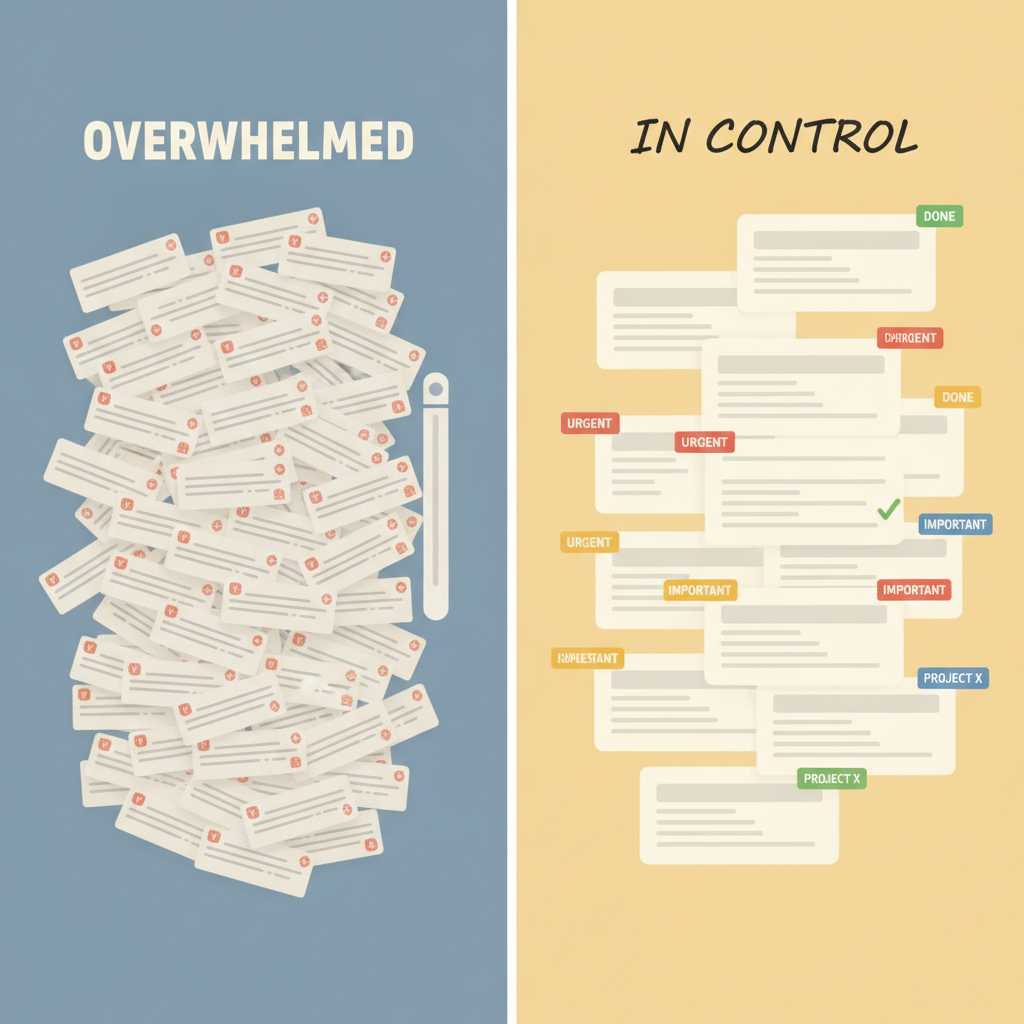
This is where AI starts to feel genuinely useful rather than just a convenience. Several tools can scan your inbox and sort messages by urgency, flag emails that require action, and separate noise from signal.
Gmail does a basic version of this with its Priority Inbox. More sophisticated tools like SaneBox or Cleanfox go further — learning your behavior over time to decide what gets your attention first and what gets quietly set aside.
The practical result: you open your inbox and the things that actually need you are near the top. You're not wading through vendor newsletters to find the client who needs a callback.
What this works best for: Businesses that get a high volume of inbound — service businesses, anyone with a public-facing email address, operations roles where the inbox is genuinely overwhelming.
What to watch: No triage system is perfect, and a miscategorized email from an important client or prospect is worse than just having a messy inbox. Spot-check what the AI is filing away, especially in the first few weeks while it's learning.
Summarizing Long Threads
If you've ever come back from a long weekend, opened an email chain that's 47 messages deep, and spent twenty minutes reading backwards to figure out what actually happened — you already know why this feature matters.
AI can read an entire thread and give you a plain-English summary: what was discussed, what was decided, what's still open, and what someone needs from you. Microsoft Copilot does this well inside Outlook. Google's Gemini integration in Gmail is rolling out similar capabilities.
This is also useful for delegating: if you need to loop in a team member on a complex thread, an AI summary gives them context without making them read everything from the beginning.
What this works best for: Longer threads involving multiple people, project coordination, or any situation where you've been cc'd on an evolving conversation.
What to watch: Summaries can occasionally miss nuance or mischaracterize who said what. For anything contentious or legally sensitive, read the original.
Catching What Needs a Response
Some AI tools can flag emails that have a clear question or request buried in them — even if the sender didn't make it obvious. This helps prevent the common problem of reading an email, meaning to reply, and then losing it in the scroll.
Superhuman and some Copilot features specifically surface "follow-up needed" reminders. This is a quieter feature but often more valuable than it sounds, especially for anyone who manages a lot of inbound leads or client requests.
Where to Keep a Human in the Loop
Being honest about this matters. There are places where AI-assisted email management creates more risk than it removes.
Anything Auto-Sent Is High-Risk
The single biggest mistake businesses make with AI email tools is enabling fully automated replies — where AI reads a message, writes a response, and sends it without anyone reviewing it.
The upside is obvious. The downside is that an AI can confidently send a reply that's wrong, awkward, off-brand, or in the worst case, promises something you can't deliver or says something you'd never say to that client. You won't know until the damage is done.
Unless you're running a very tightly scoped automation (like an auto-acknowledgment that says only "we got your message and will reply within 24 hours"), keep a human in the send step.
Sensitive Client or Customer Situations
A client who's frustrated. A customer who had a bad experience. A vendor relationship you're trying to preserve. These situations require judgment, empathy, and an understanding of history that AI simply doesn't have.
AI can help you draft a reply even here — and sometimes the draft is a useful starting point that you then rework entirely. But the thinking about what to say, and the decision about how to say it, needs to be yours.
Anything with Legal or Financial Stakes
Contract questions, disputes, payment negotiations, compliance matters — if an email could matter in a legal context, write it yourself or have the right person write it. This isn't the place for AI shortcuts.
Relationship-Critical Communication
Your best clients, your most important partners, people you're trying to impress: they can often tell when an email is a little too generic, a little too polished in the wrong way. Relationships are built on specificity. "Great talking to you at the Chamber event — that thing you mentioned about your hiring situation stuck with me" lands differently than any AI draft will.
Use AI to handle the volume. Save your actual attention for the relationships that matter.
A Practical Starting Point
If you want to try this without overcomplicating it, here's a reasonable sequence:
-
Start with drafting, not automation. Use the AI draft feature already in your email client (Gmail or Outlook) and get comfortable editing AI-generated replies before you send. This is low-risk and immediately useful.
-
Add a triage layer. Try SaneBox or enable Priority Inbox in Gmail. Give it two weeks before judging whether it's working.
-
Use thread summaries for catch-up. If you use Microsoft 365 or Google Workspace, turn on the AI features in your email client and start using summaries when you return to long threads.
-
Build a "not for AI" shortlist. Write down the names of clients, partners, or situations where you want to handle email manually, no exceptions. This prevents the gradual drift toward over-automation.
This is also the kind of workflow audit we walk through with clients — figuring out where your time is actually going and what's worth handing off.
The Bottom Line
AI won't eliminate your inbox. But it can meaningfully reduce how much cognitive energy you spend on it. The wins are real: faster replies, less time digging through threads, fewer things falling through the cracks. The limits are also real: anything sensitive, relationship-critical, or high-stakes still needs you.
The goal isn't to automate your email. It's to stop letting your email run you.
If you want to think through how something like this would work in your specific business — what tools make sense, where automation is safe, and where it isn't — let's talk.